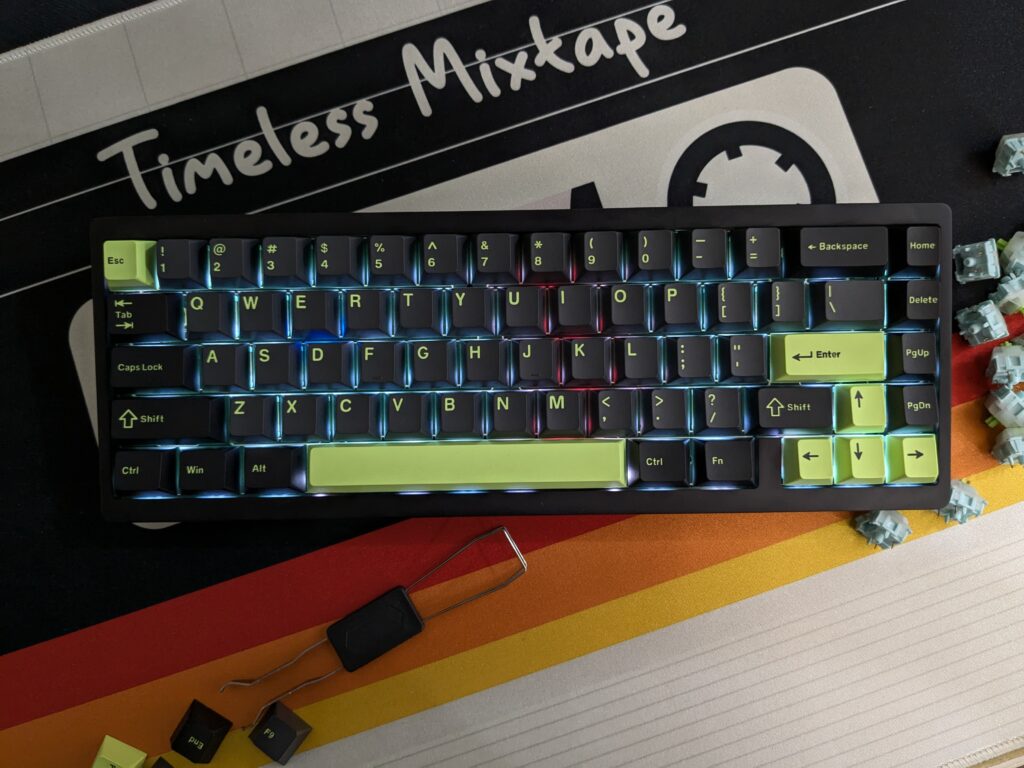
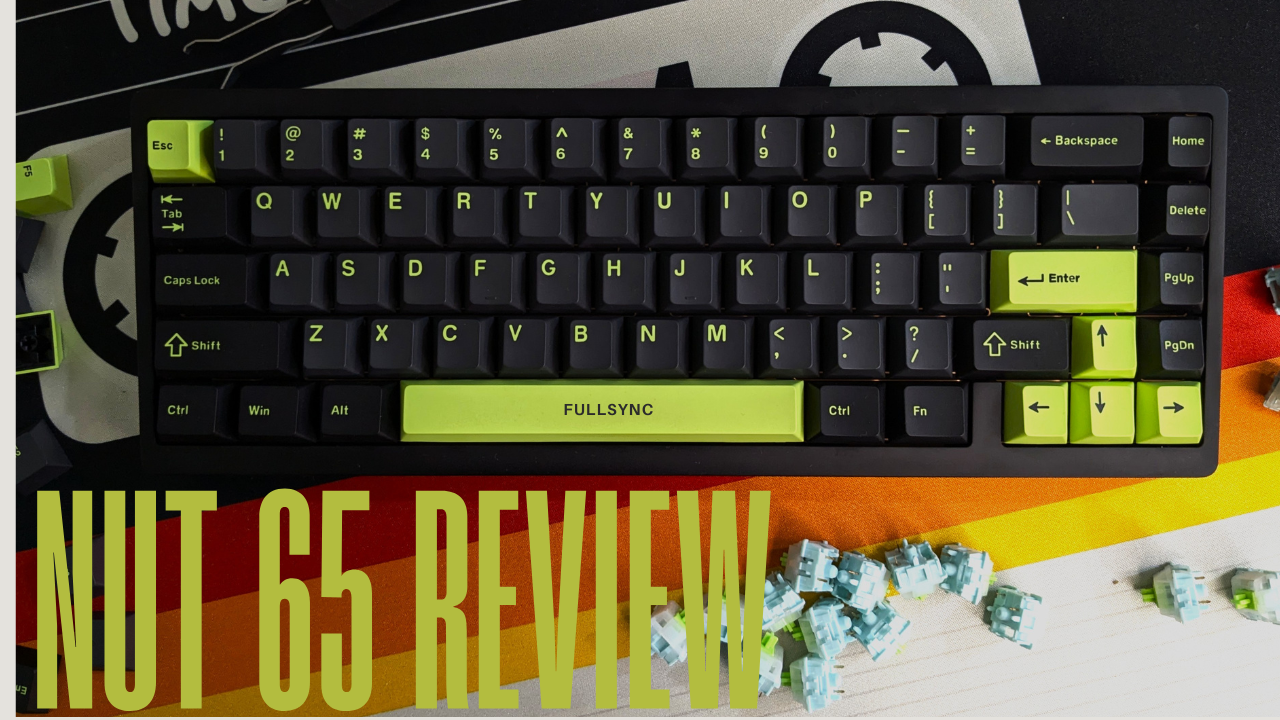
When the Weikav NUT65 first showed up on my desk, I didn’t expect much. I’ve tested some “budget premium” boards that look exciting at first and collapse the moment you start typing. But after using this one for proper daily work, gaming, and a bit of evening tinkering, it quickly became clear that this board isn’t riding on the Lucky65 name. It’s building on it.
And it shows the moment you take it out of the box.
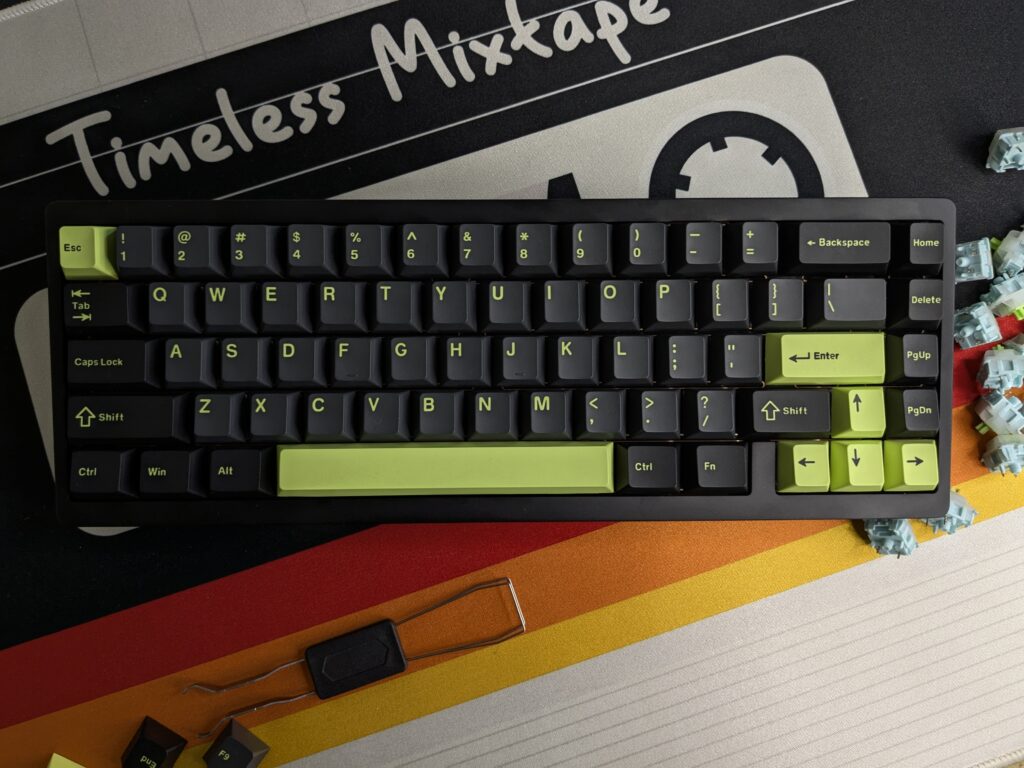
The build quality really does stand out
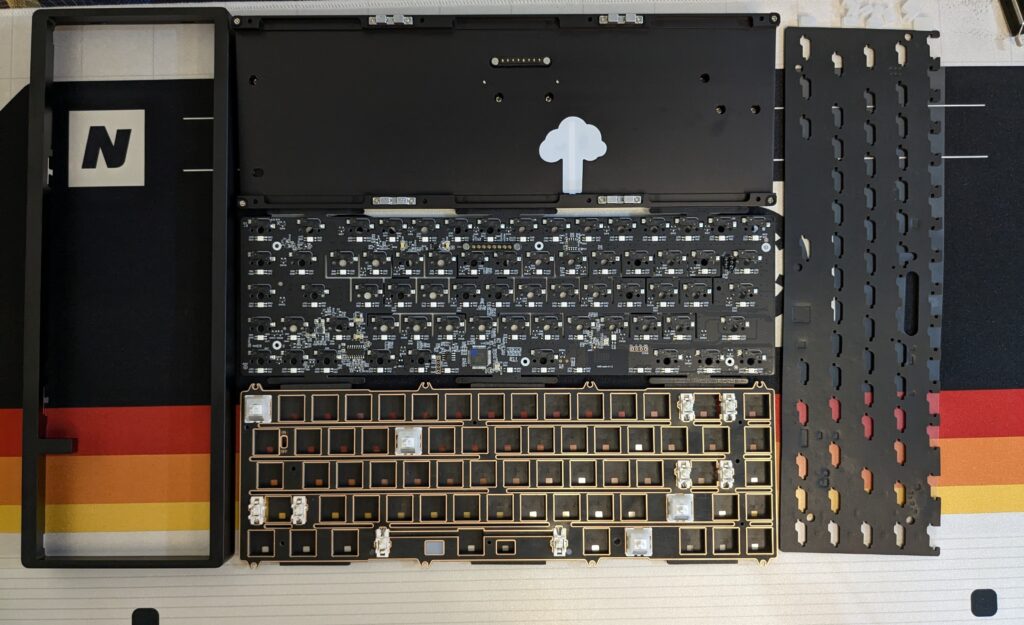
Out of the box, it comes with a USB cable, a keycap puller, and a few screws since it’s a barebone kit. Nothing fancy here, just the essentials you need to build a custom keeb. The NUT65’s aluminium case is more refined than the Lucky65’s. Weikav upgraded the finish from a 180-grit sandblasted texture to a smoother 220-grit one, and you can tell straight away. It feels softer, smoother, and far more premium in the hand. No graininess. No inconsistency. Just clean metalwork that’s well above the usual “budget aluminium board” standard.

The whole chassis has that weighty, solid feel that makes it instantly look at home on the desk. Inside, the case foam and under-switch foam work well with the aluminium shell to create a muted and controlled sound profile. No hollowness. No metallic ping.
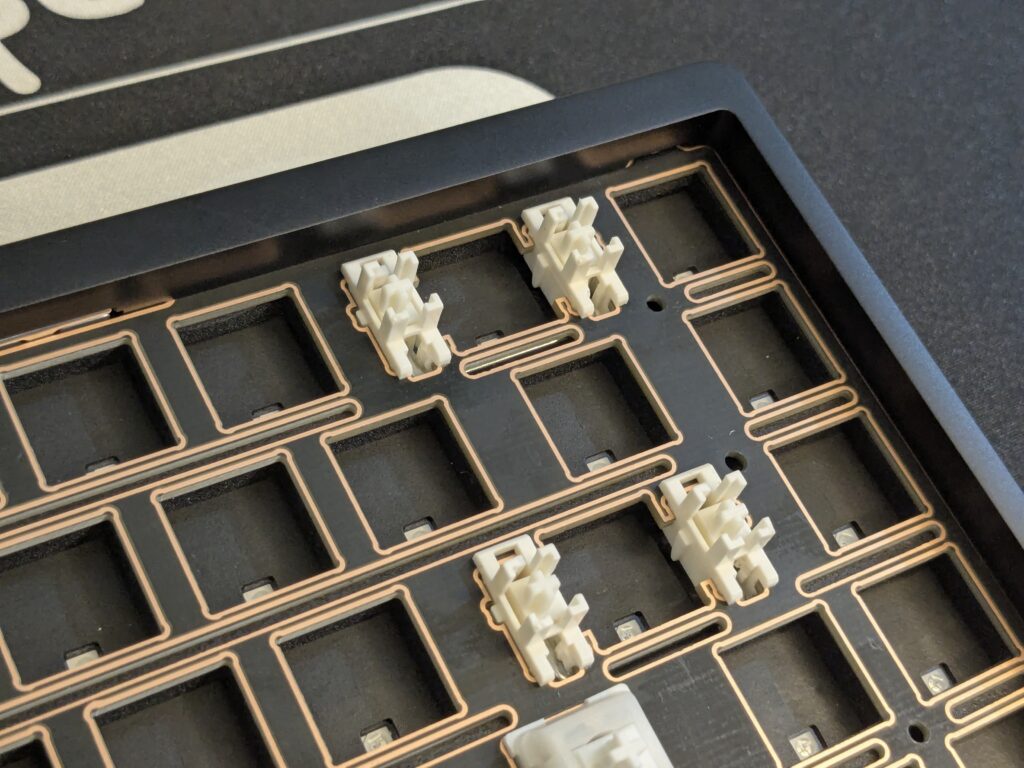
The stabilisers are pre-lubed and honestly better than I expected. They aren’t on the level of hand-lubed boutique sets, but they were clean enough that I didn’t feel any need to tune them immediately. Spacebar and enter were stable and didn’t rattle during fast typing.
Inside the case, Weikav includes case foam, an under-switch foam layer, and a tape mod already applied from the factory. I expected the usual cheap foam feel, but the sound profile ended up being much cleaner than I thought. Instead of that hollow clack you sometimes get in aluminium boards, the NUT65 gives you a soft, muted thock that feels satisfying without being loud.
Typing feel and sound profile
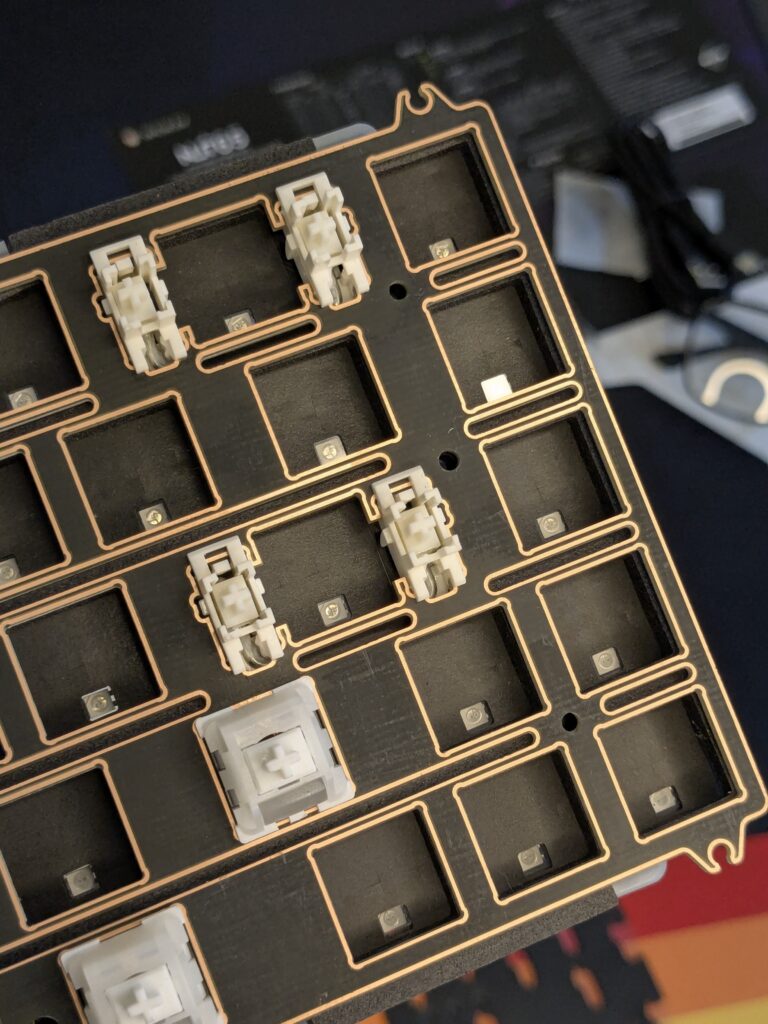
Typing on the NUT65 feels smooth and predictable. The gasket performance isn’t extreme, but it still gives you a nice, soft landing with a bit of flex. What I really appreciated here is that Weikav actually lets you choose the structure you want. You can run it as a plate gasket build or switch to a PCB gasket for more flex and a lighter touch. Changing the structure on a board in this price range isn’t something you see often.
Sound-wise, the NUT65 gives you a muted, rounded profile. With linears, I got a soft thock, and with tactiles, the board gained a more lively pop without ever sounding harsh. Most importantly, the plate and PCB stay firmly in place. No shifting. No micro-movement. Just consistent typing across the board.

The layout and everyday use
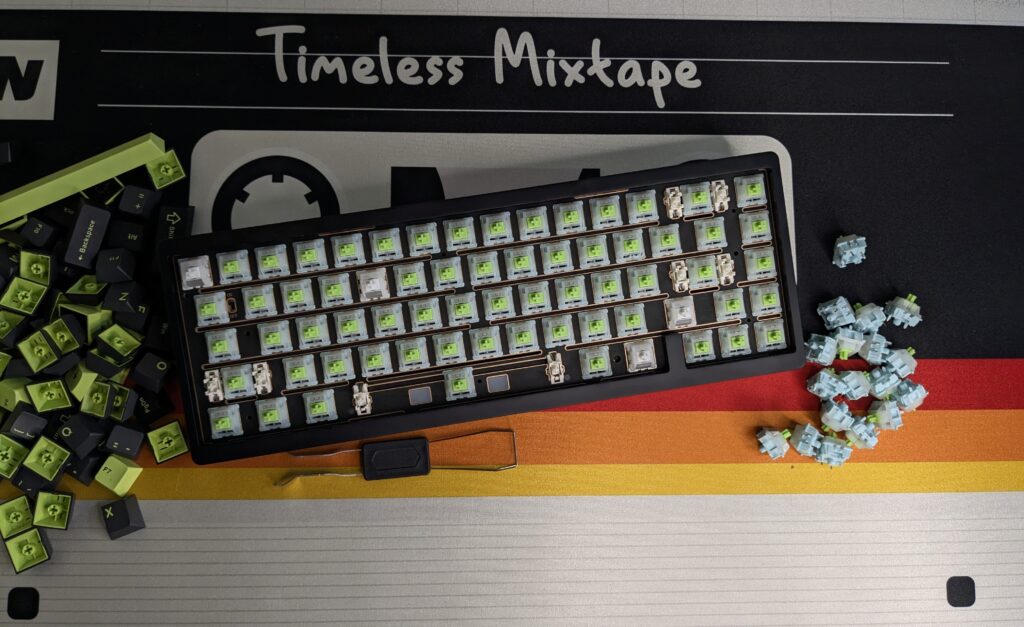
I’ve always been a fan of 65% layouts, and the NUT65 sticks to a clean, simple ANSI variant. Arrow keys are there, the nav cluster is easy to reach, and nothing feels cramped. It’s compact but doesn’t sacrifice usability.
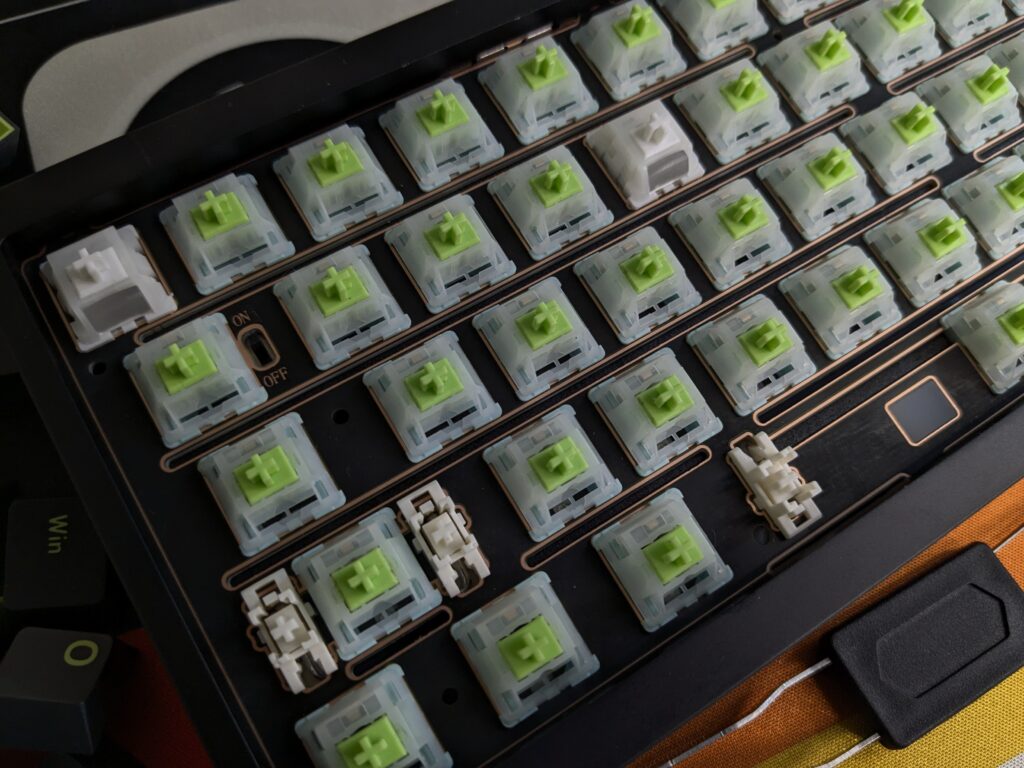
Using it across a full work week, writing, editing, and gaming, the board stayed comfortable and reliable. The connection modes were stable, and the 2.4G option worked without a hitch, but the switch to turn it on or off gets hidden behind the keys once you build it. I honestly don’t like that, because it means I’d have to leave it on even when I’m not using it. To avoid that hassle, I’ve just stuck to using it wired.
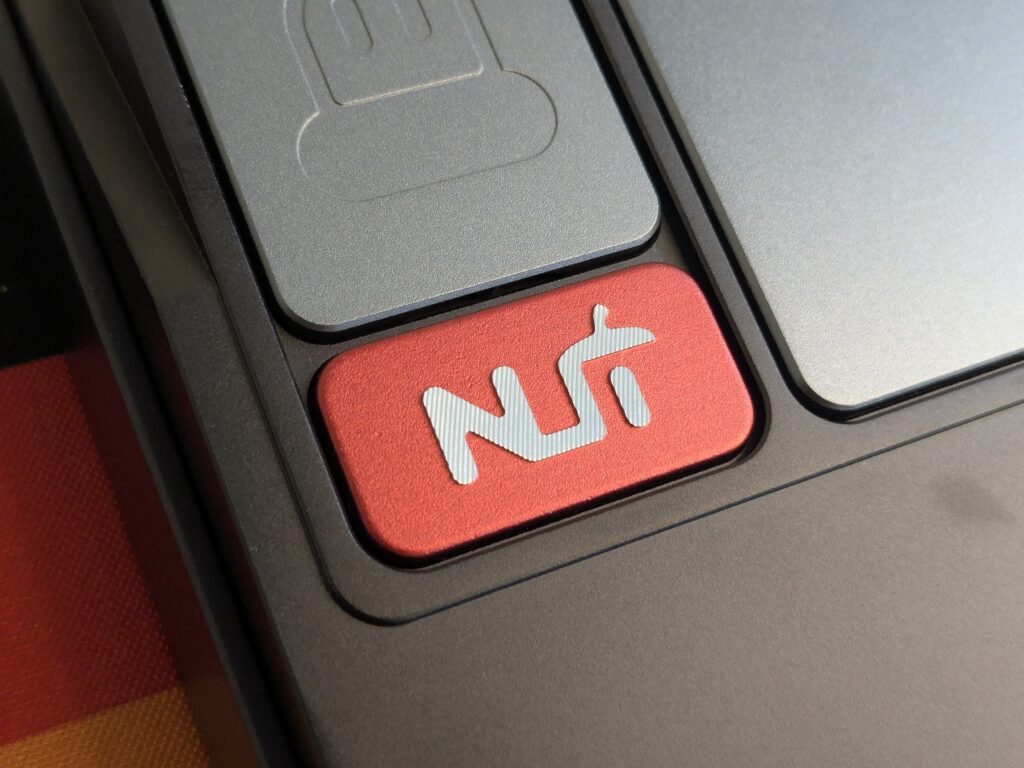
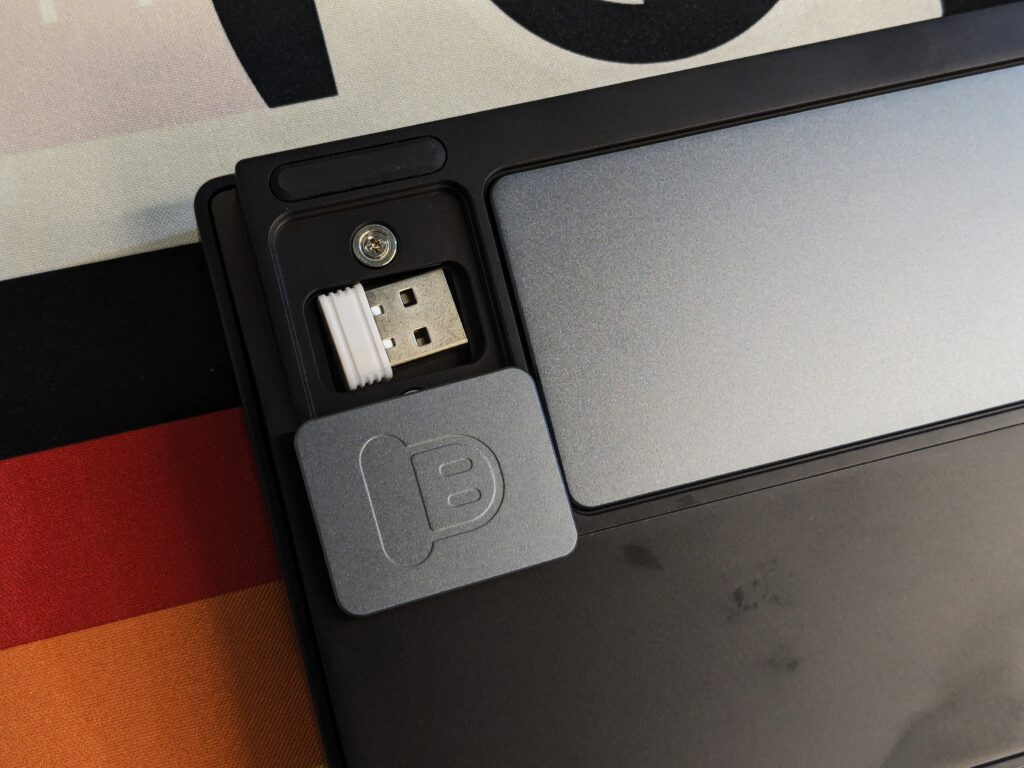
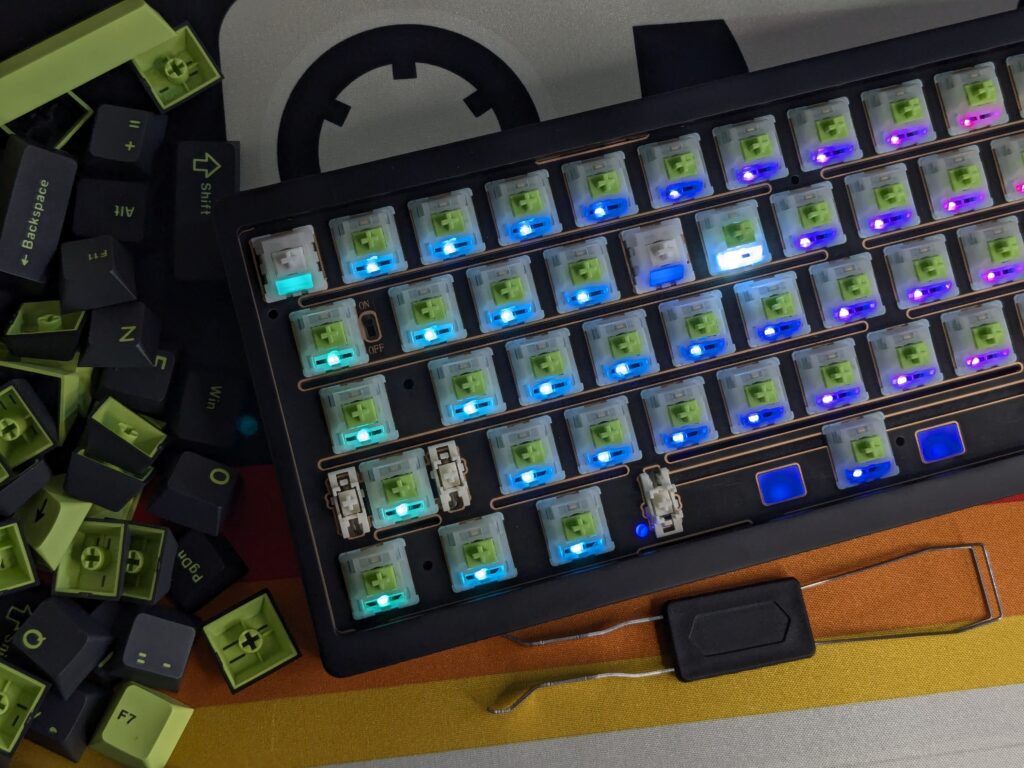
And since this model carries a much larger 6000 mAh battery (up from the Lucky65’s 3500 mAh), wireless use lasted far longer than I expected. Even better, the battery connects using pogo pins instead of loose wires. Opening the board for mods or adjustments is cleaner, safer, and far easier without fiddly internal cables.
Lighting and the dynamic RGB strip
The RGB implementation deserves a mention. The NUT65 comes with a Dynamic RGB Rhythm lightbar on the front edge. It’s not just a simple glow; it reacts to environmental sound using a built-in microphone. Music, typing, ambient room noise, it picks it all up and shifts accordingly. At night, this was genuinely fun. My typing created these tiny reactive pulses, and music made the bar breathe along softly.
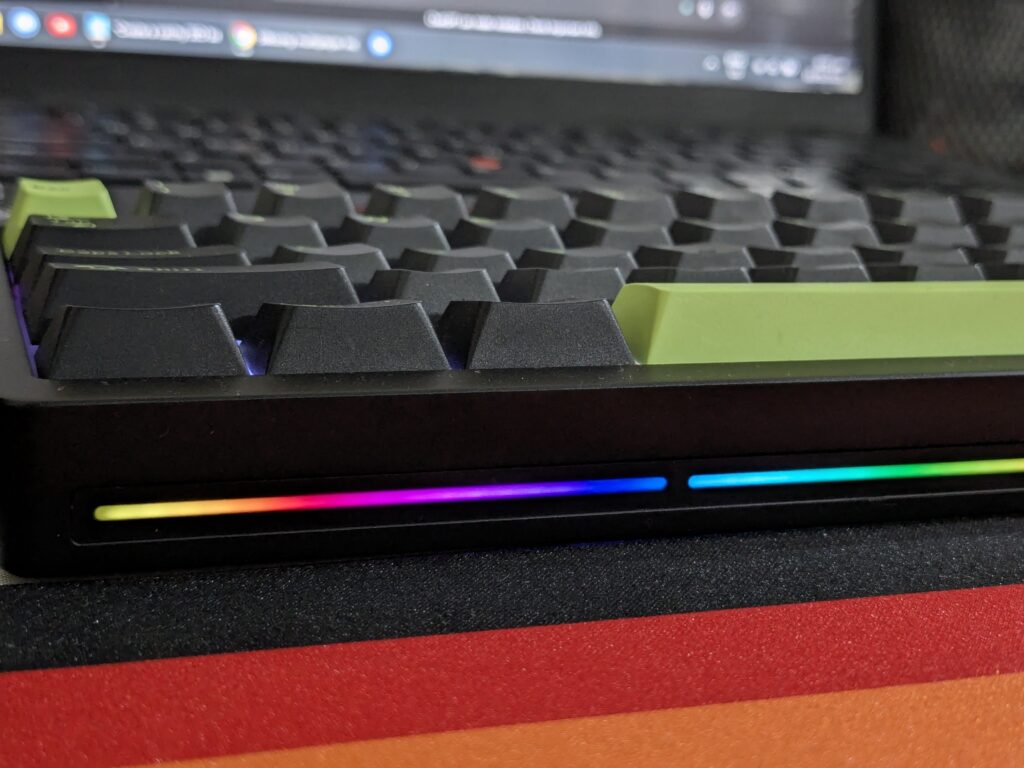
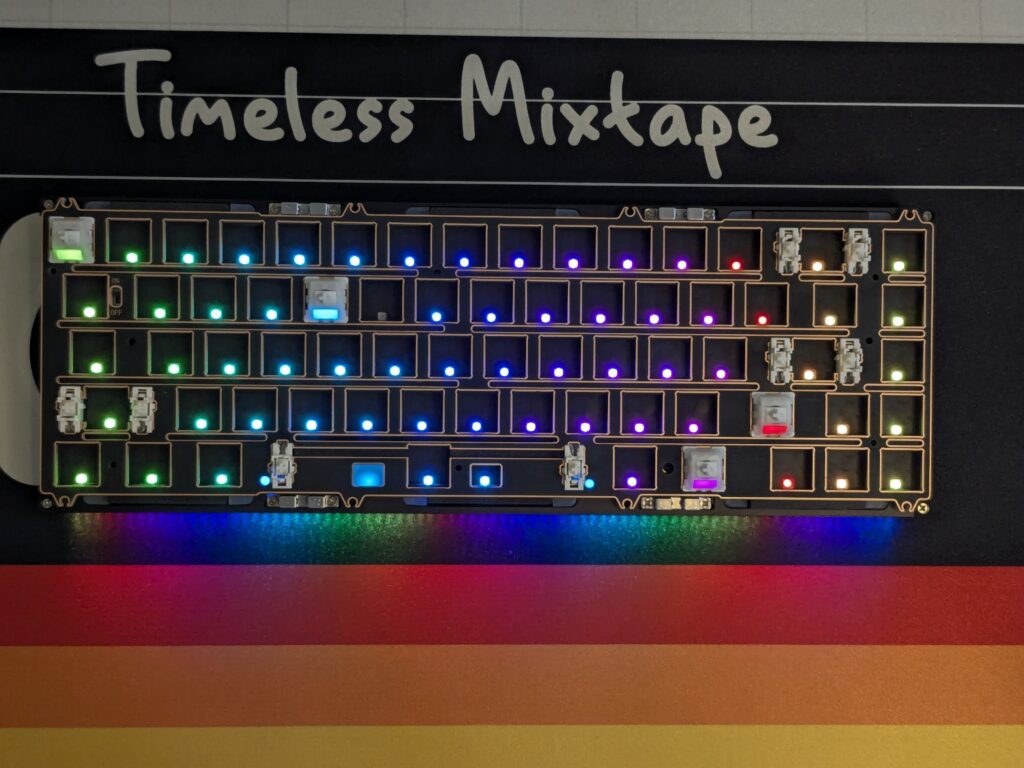
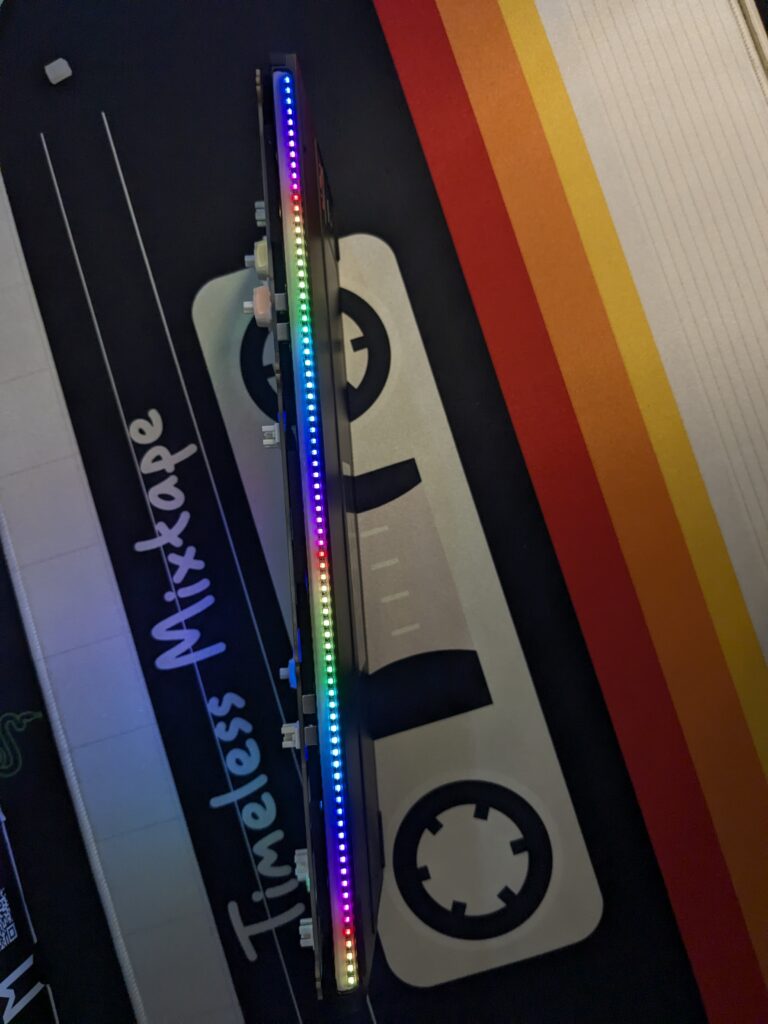
You can switch between effects easily, and the strip stays hidden when turned off on darker case colours, which keeps things clean for people who prefer a minimal look.
Software
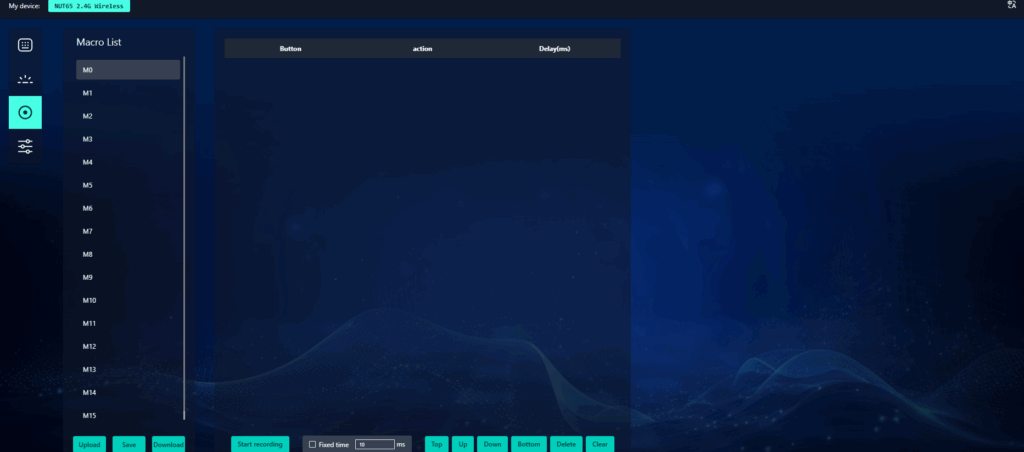
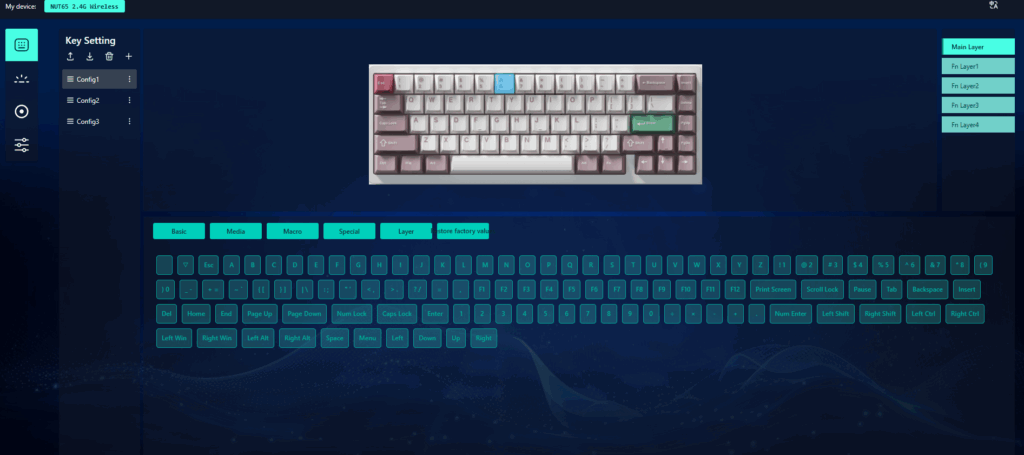
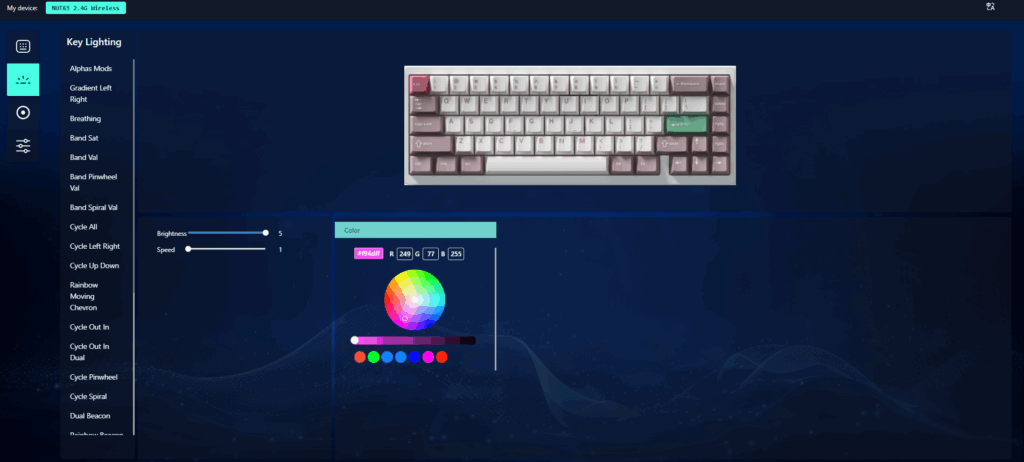
Weikav provides a simple software suite to control lighting, key remapping, and macros. It isn’t overcomplicated, and everything works smoothly. You can customise RGB effects, adjust the rhythm sensitivity, or assign new functions to keys. The changes apply instantly, which makes testing and tweaking easy. It’s not fancy, but it does exactly what you need.
What I didn’t like
It’s not perfect. The stabs are good but not exceptional. The gasket experience is improved, but won’t fully match top-end customs. And the sound might be too muted for people who want a louder pop or a deeper, bass-heavy profile.
But none of these feel like deal-breakers. More like expected realities at this price point.
So, is the Weikav NUT65 worth it?
After using the Weikav NUT65 properly, and not just for quick testing, I can say it’s one of the most complete aluminium 65% boards in the budget-to-mid range bracket. The smoother 220-grit finish, the structure flexibility, the bigger 6000 mAh battery, the pogo-pin connection, and the reactive RGB strip all come together in a way that makes this board feel far more mature than the earlier models.
It’s polished, dependable, customisable, and simply enjoyable to type on. If you’re looking for a compact aluminium keyboard that punches above its price, the NUT65 is absolutely worth a look.
You can grab the Weikav NUT65 directly from the Weikav site. For more hardware reviews like this, check out the hardware review section!