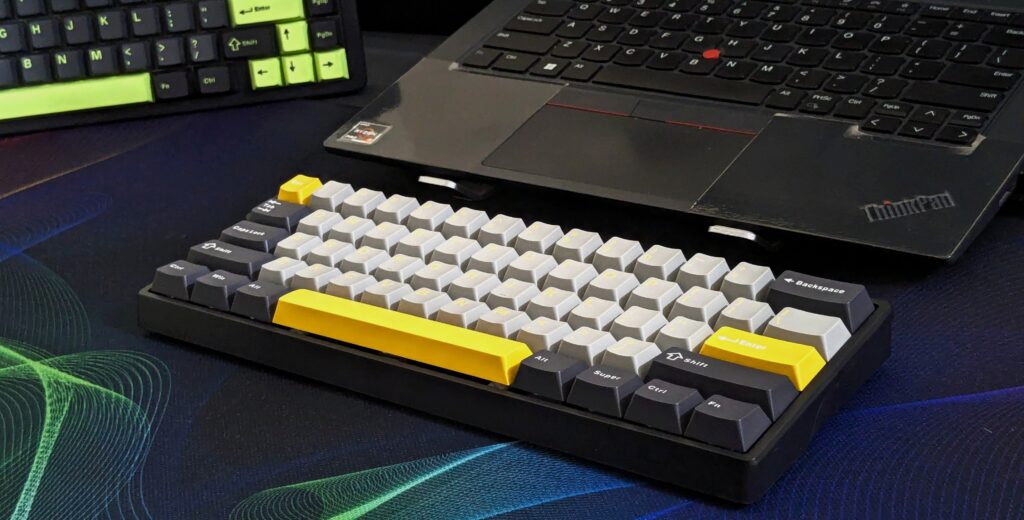
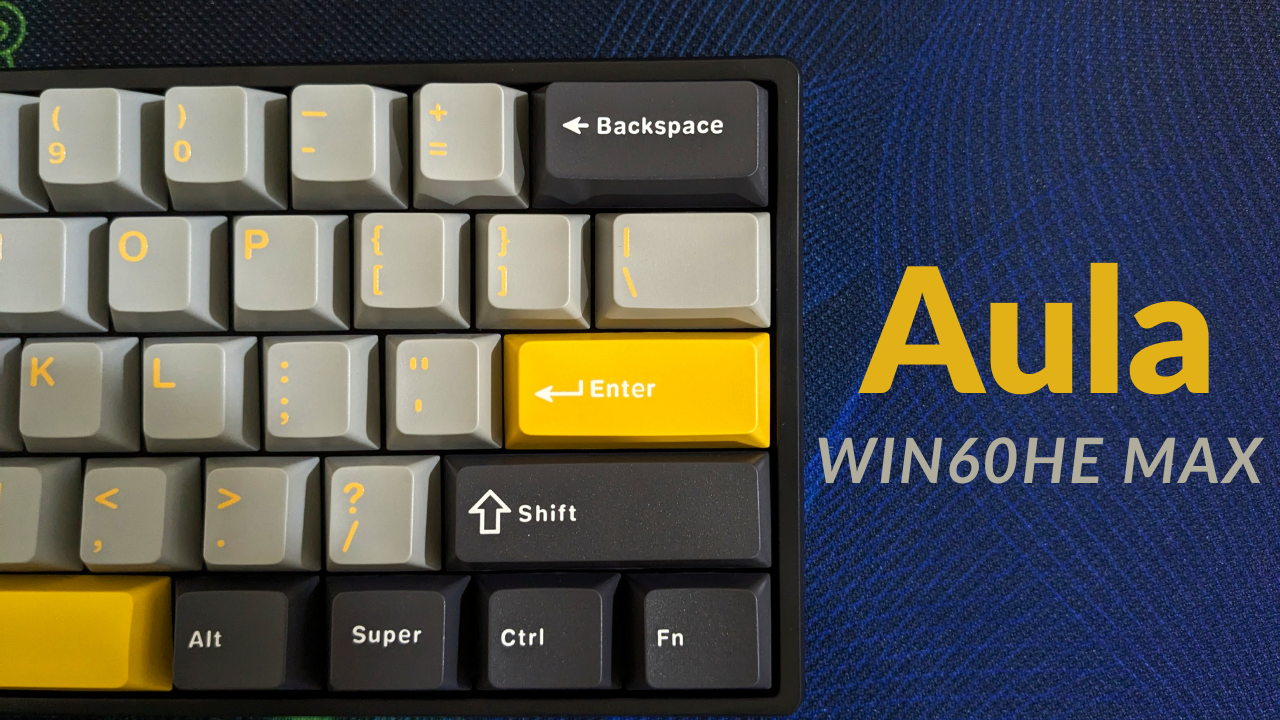
I’ve been spending some proper time with the AULA WIN60 HE Max, and honestly, it surprised me. On paper, it looks like just another budget 60% board, but once I started using it day to day, I realised this little thing packs a lot more than its price suggests.
The big headline here is the Hall Effect WingChun switches, which bring magnetic actuation to a board that costs just $59.99 (£47). That alone got me curious enough to try it out. What I didn’t expect was how well-built and easy to live with it would actually be.
Unboxing and first impressions
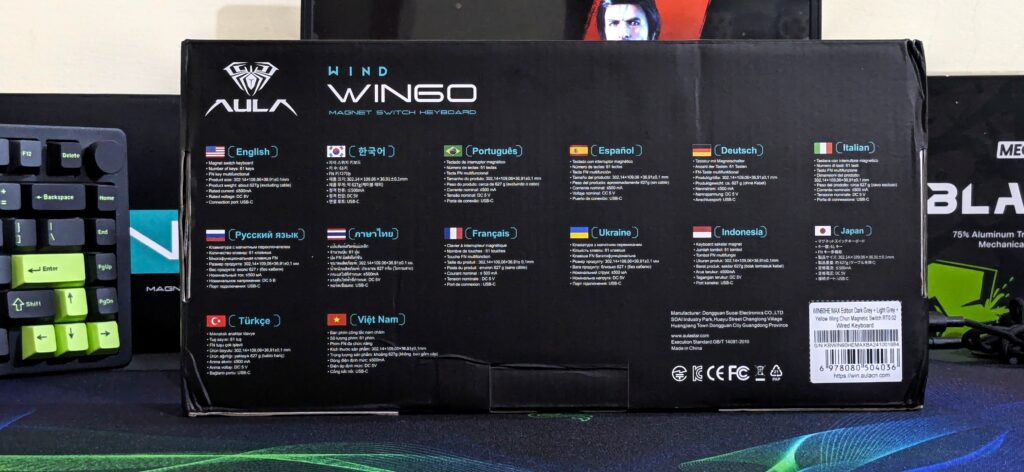
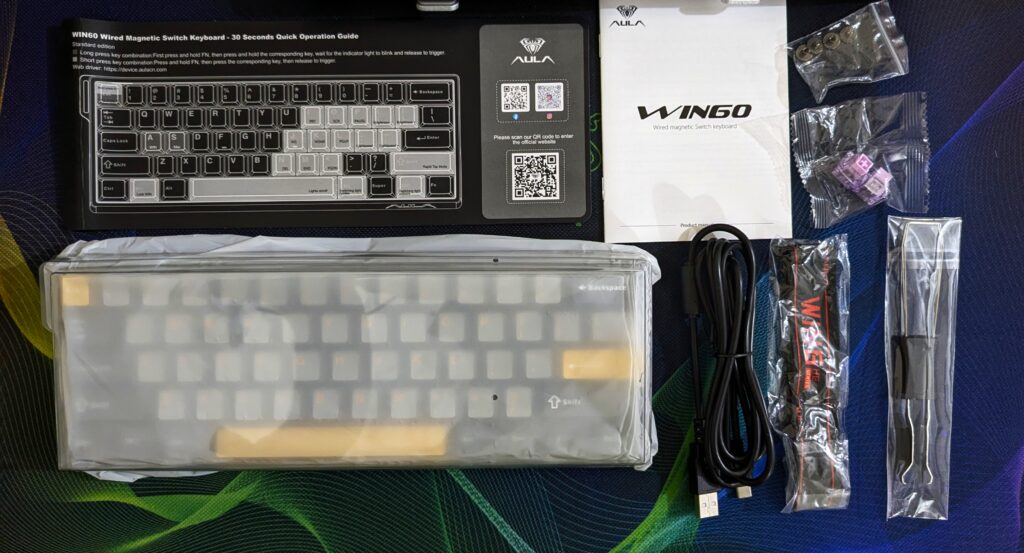
The packaging is pretty straightforward, nothing fancy, just a clean box with the essentials. Inside, I found a clear dust cover, a USB-C cable, a couple of spare switches, a keycap puller, a switch puller, and even a decorative ribbon. It felt more complete than I was expecting for the price. You can also check out our unboxing short on YouTube.
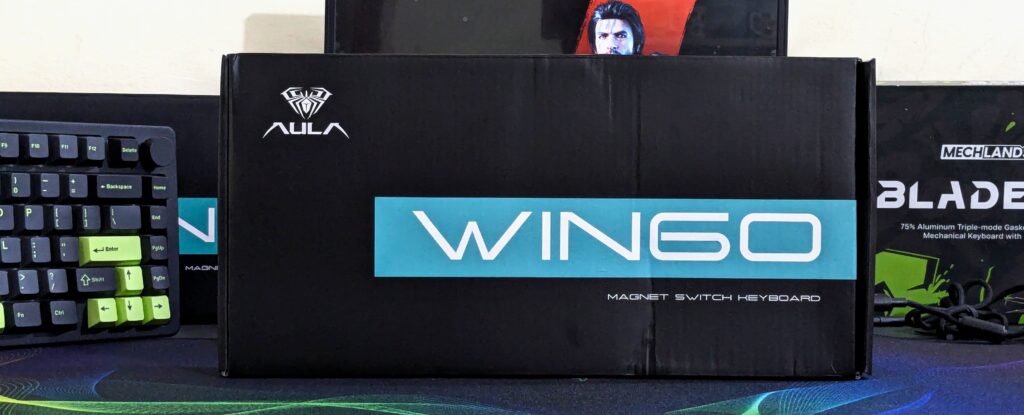
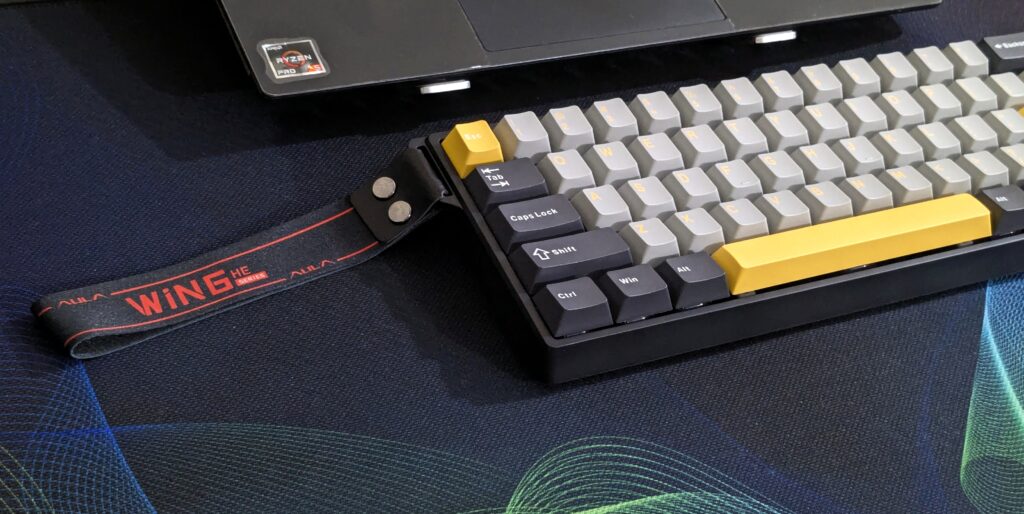
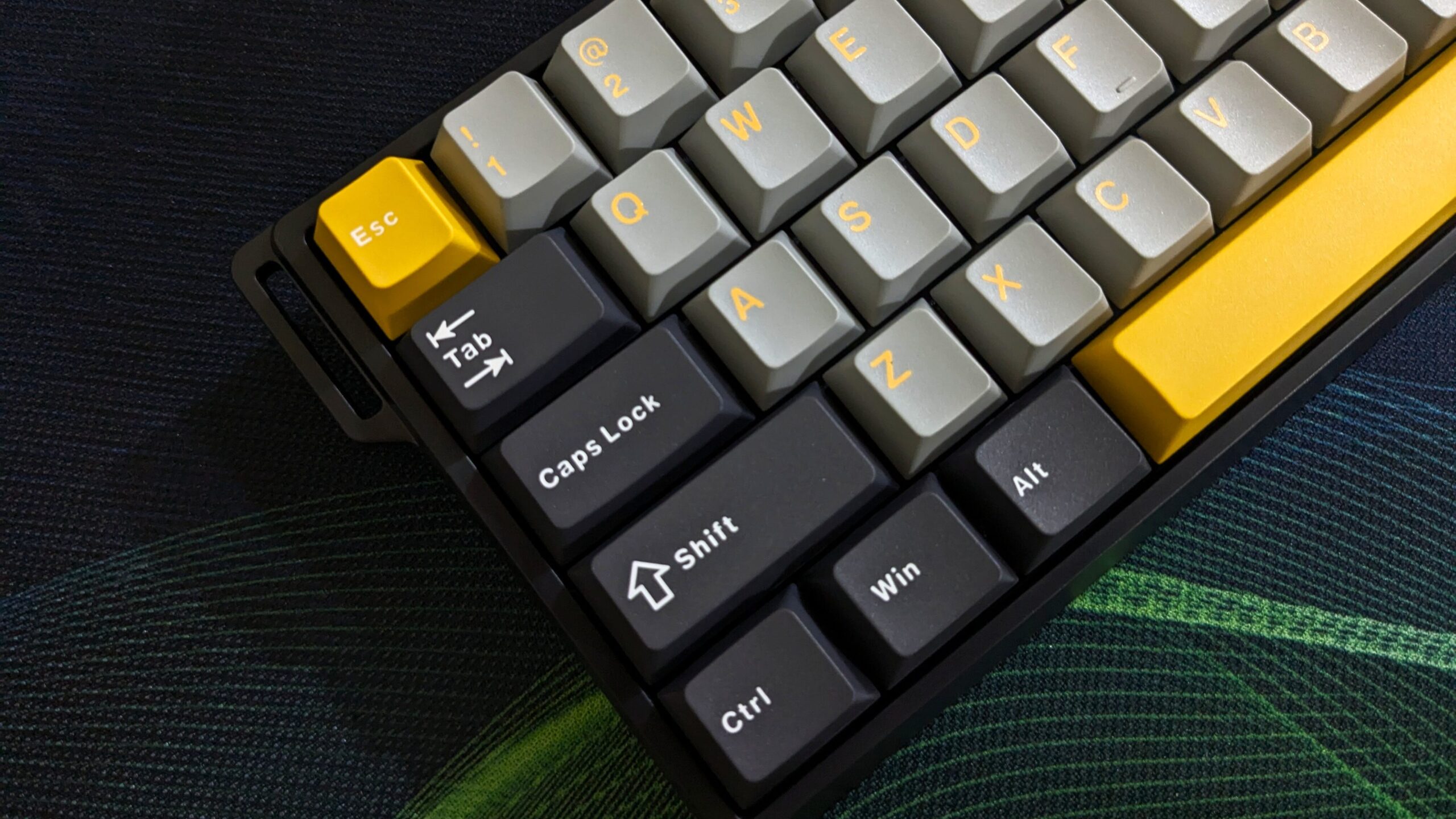
When I lifted the WIN60 HE Max out for the first time, I liked how compact it was. At just over 300mm across, it’s light enough to carry around but doesn’t feel flimsy at all. The bold grey-and-yellow keycaps pop right away, and they instantly gave my desk a fresh look.
Build and design
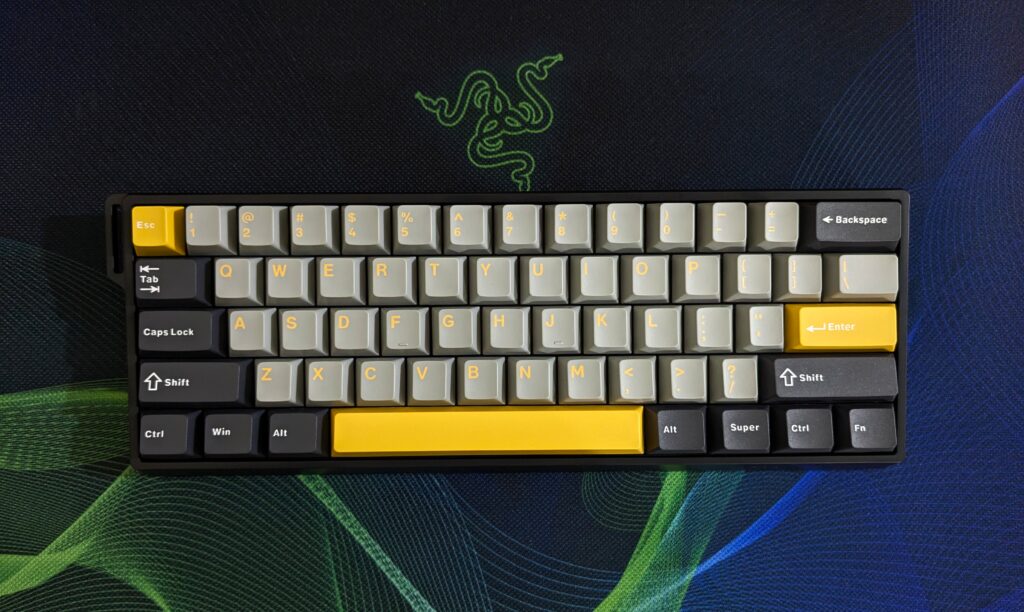
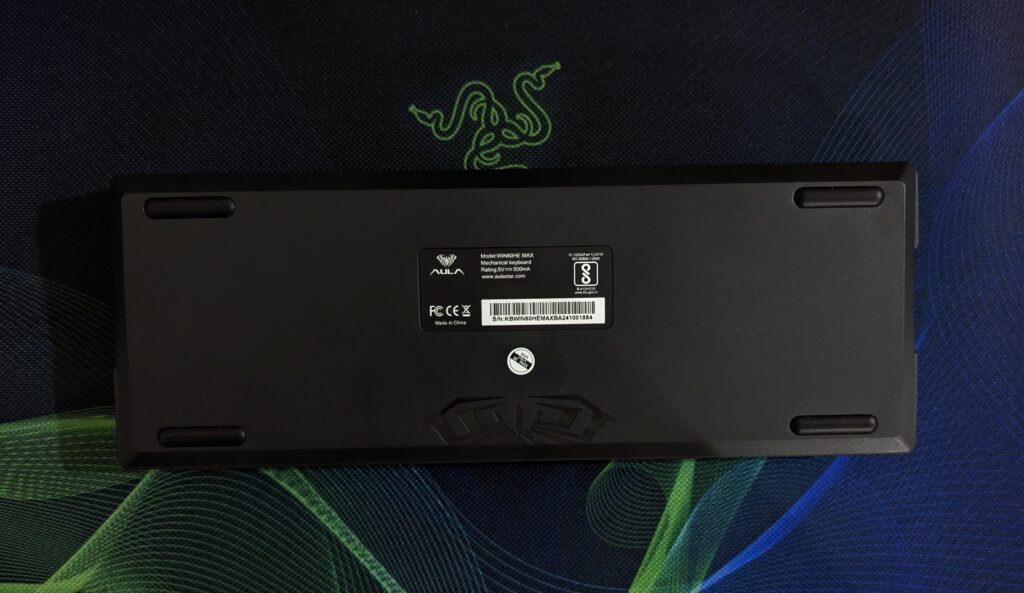
The WIN60 HE Max has a 61-key layout, so it’s properly compact. The case is ABS plastic, but with a matte finish that actually feels decent and doesn’t pick up smudges easily. There are no adjustable feet, just four rubber pads, but it sat flat and steady on my desk.
Inside, AULA has layered in dampening foam and a metal plate, and I could tell straight away – it doesn’t sound hollow like a lot of cheap boards do. The sound is more muted, deeper, and much easier on the ears.
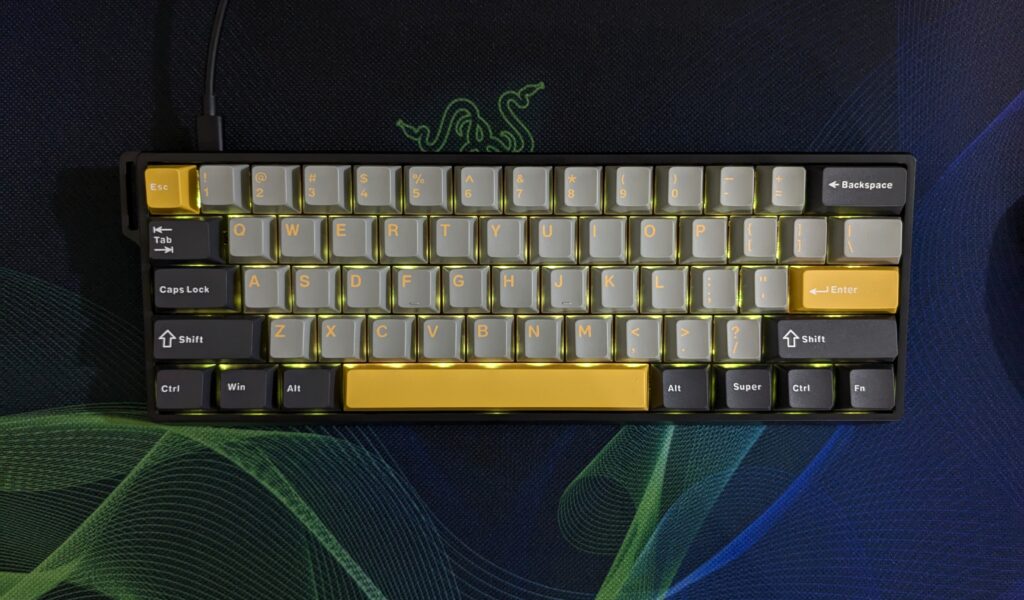
There’s RGB here too, but it’s subtle. The south-facing setup gives just enough glow without turning it into a light show. I liked that – it adds a bit of atmosphere without being distracting.
Keycaps and typing feel
The keycaps are PBT in OEM profile, and they’ve got this slightly grainy texture that feels grippy under the fingers. I’ve used cheaper ABS boards in the past that shine up almost instantly, and this feels like a big step up. The dye-sublimated legends look crisp and should last.
Typing on it felt smooth and consistent. The foam layers help cut out any sharp clacks, so it’s not loud. It’s comfortable for longer typing sessions.
Switches and customisation
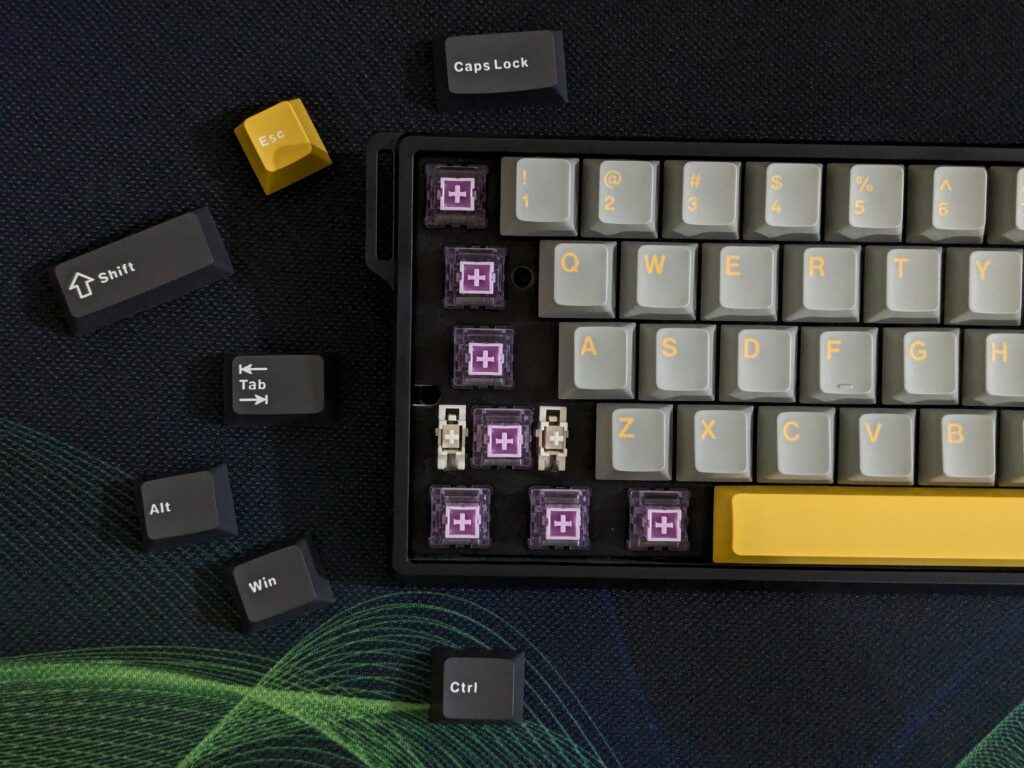
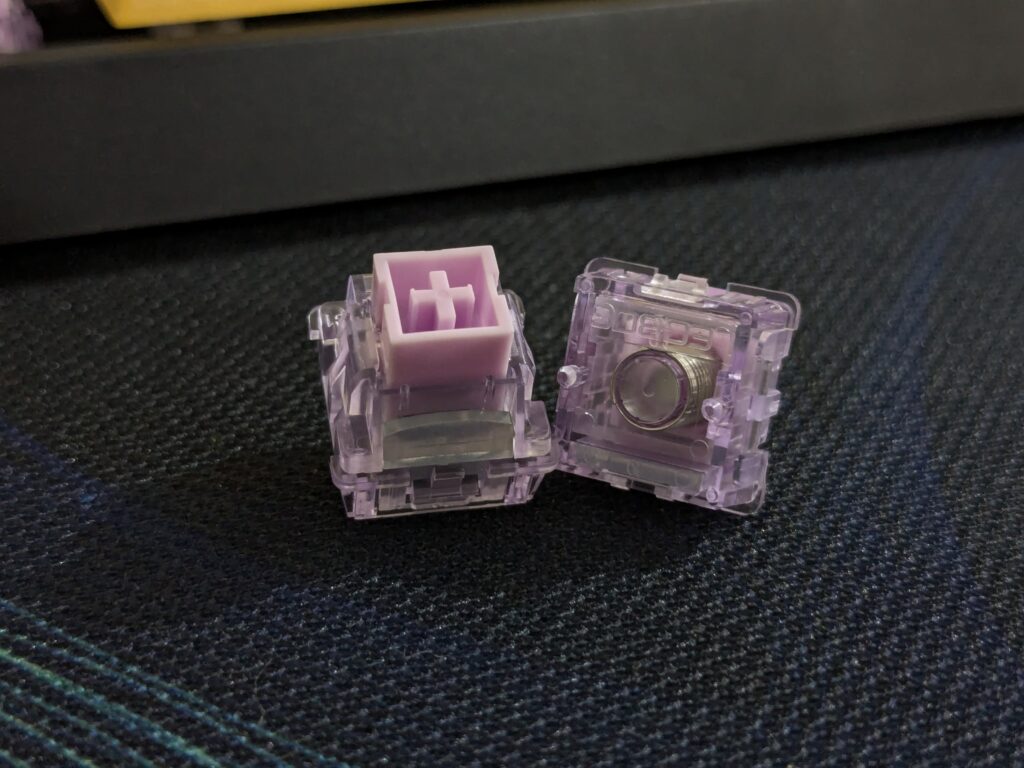
Now, the switches are what make this WIN60 HE Max board stand out. The WingChun magnetic switches are ridiculously smooth. With actuation starting at 36g and bottoming out at 49g, they feel light but not flimsy. What impressed me most was how quickly they reset – every press felt sharp and clean.
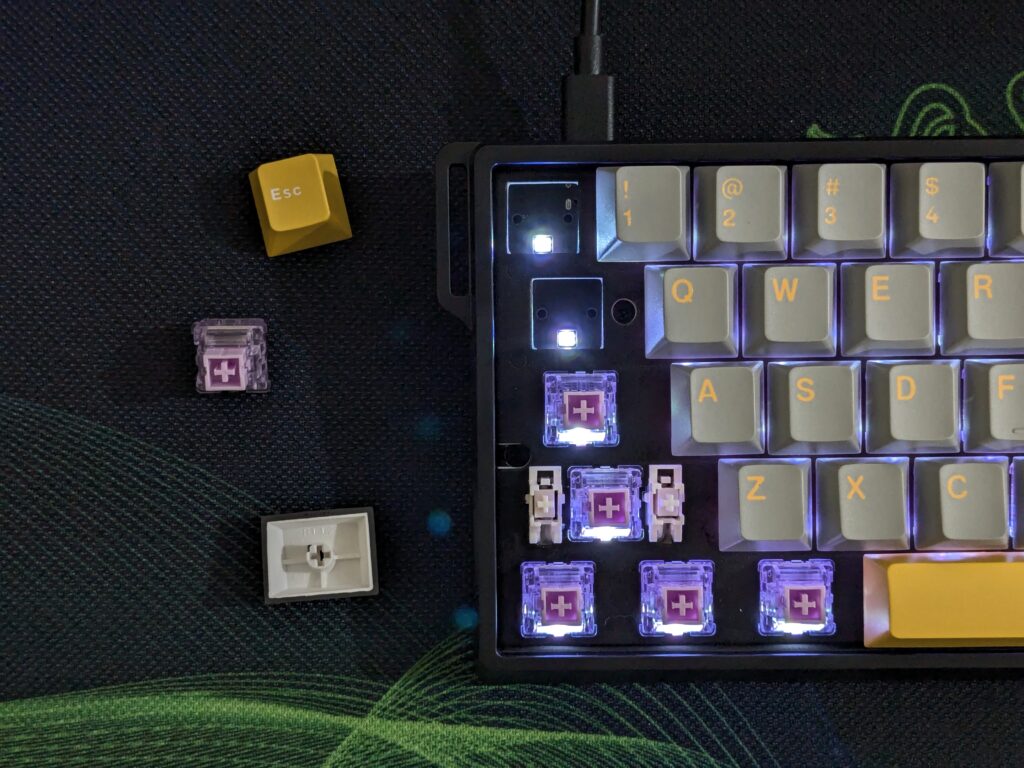
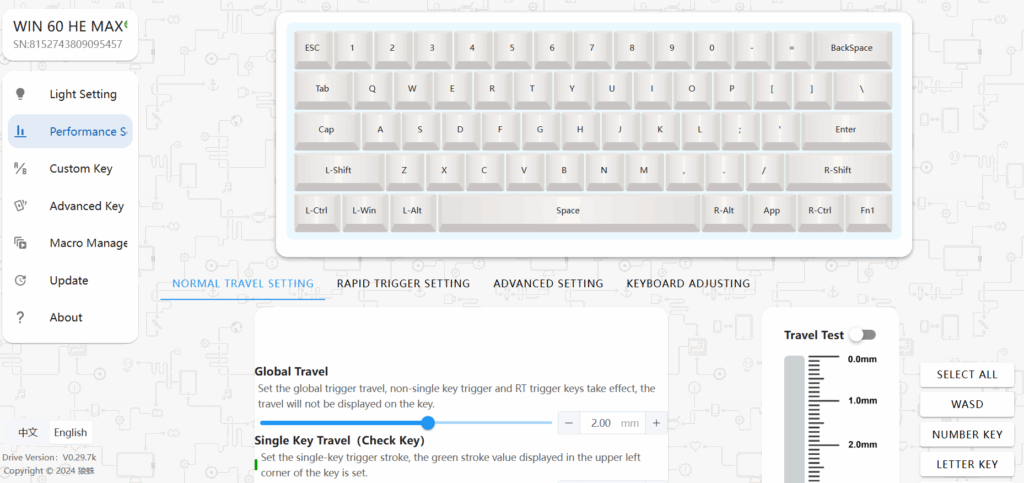
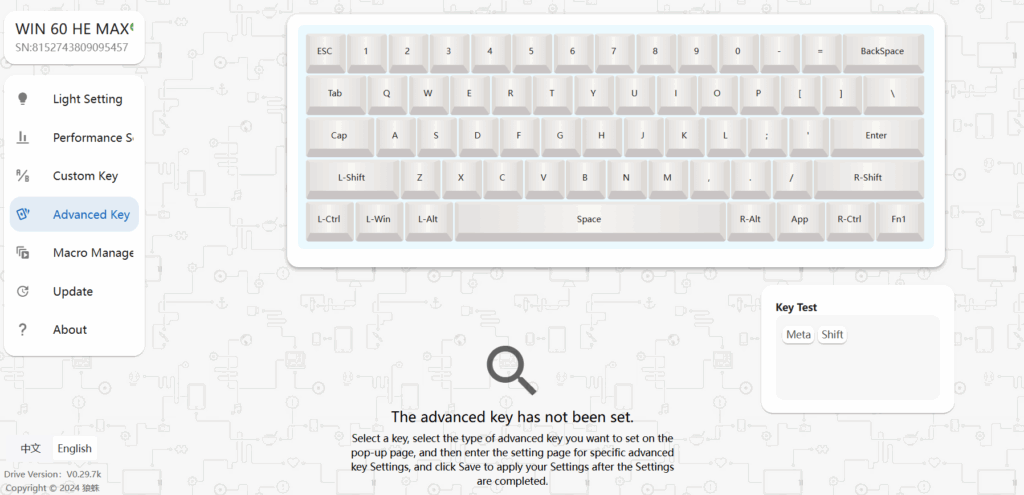
Using AULA’s web-based driver made tweaking easy, but there should have been a dedicated software app. I could adjust actuation points down to 0.1mm, set dead zones, and remap keys.
Final thoughts on the AULA WIN60 HE Max
After using the AULA WIN60 HE Max for a while, I can say it’s one of the most value-packed compact keyboards I’ve tried. The Hall Effect switches genuinely add something special, giving a typing experience that feels faster and smoother than regular mechanical boards. Combine that with the solid build, clean sound profile, and not that easy-to-use web software… yeah, I will personally prefer a dedicated app over a web software, and in the end. It does feel like a steal at this price.
The WIN60 HE Max is not perfect; there are no adjustable feet, and the design won’t be for everyone – but honestly, those are small trade-offs for what you’re getting here. If you’re curious about magnetic switches and want a compact keyboard that doesn’t break the bank, this is a fantastic entry point.
You can grab the AULA WIN60 HE Max directly from Mechlands or check their Aliexpress listings, depending on what’s convenient. For more hardware reviews like this, check out the hardware review section!