


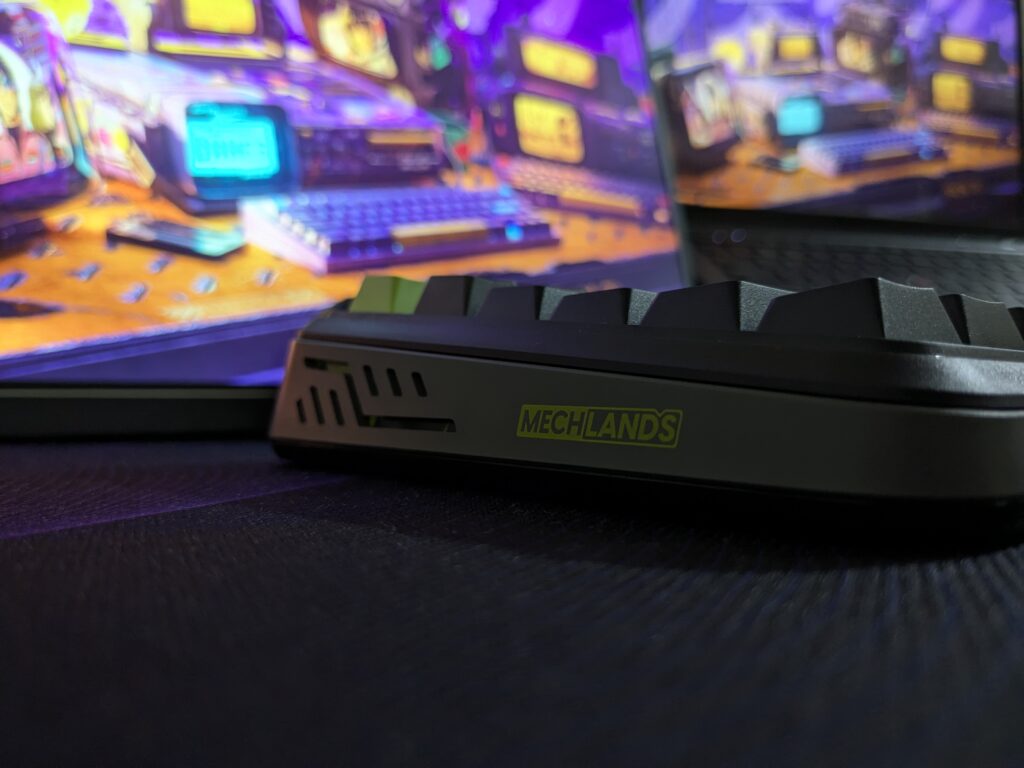
I’ve been using the MechLands M75 for a few days now. It’s MechLands’ first magnetic keyboard, and honestly, they’ve done a great job. At just $69.99 (around £55), it offers a lot more than I expected, both in build and performance.
Solid first impression
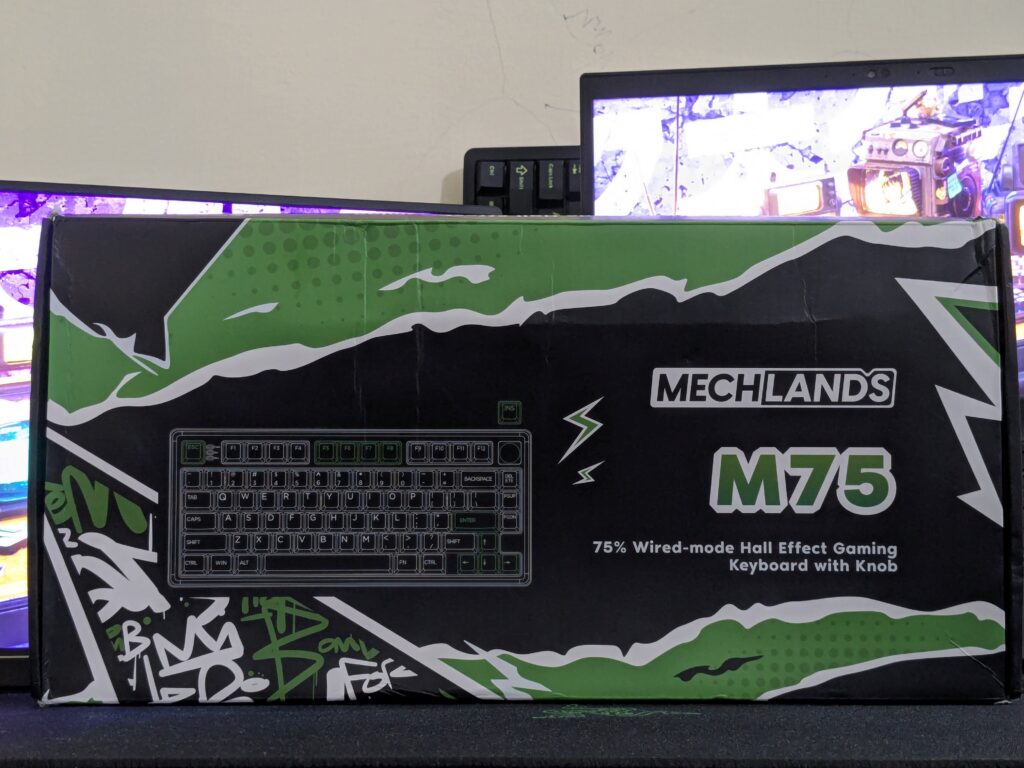
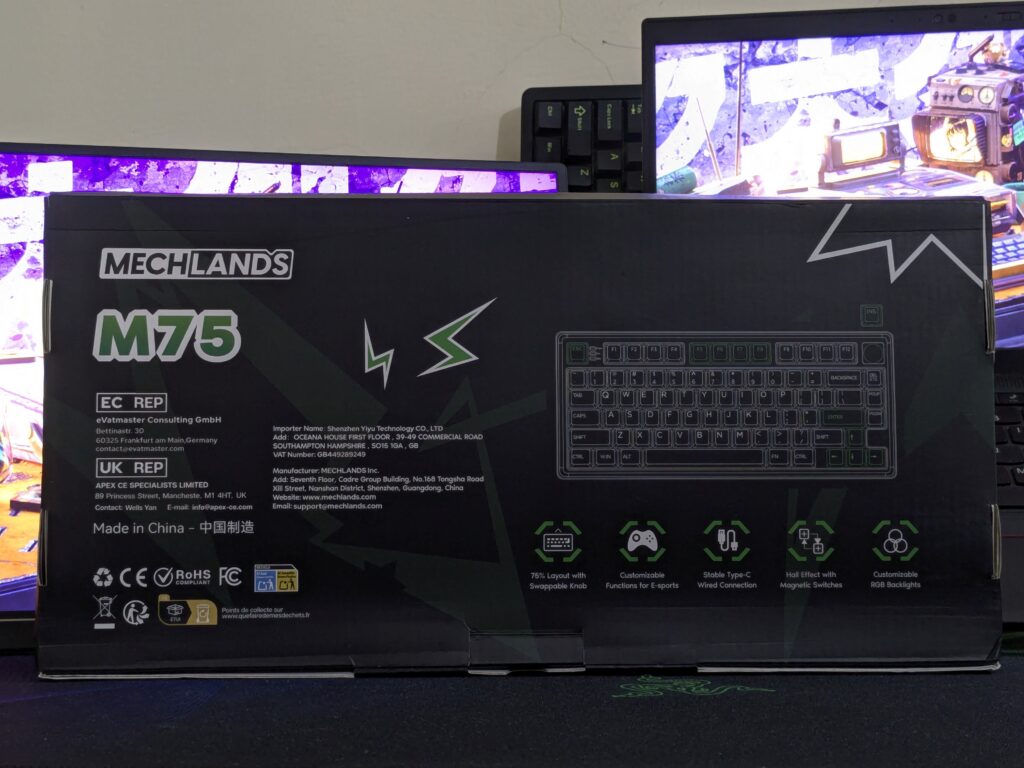
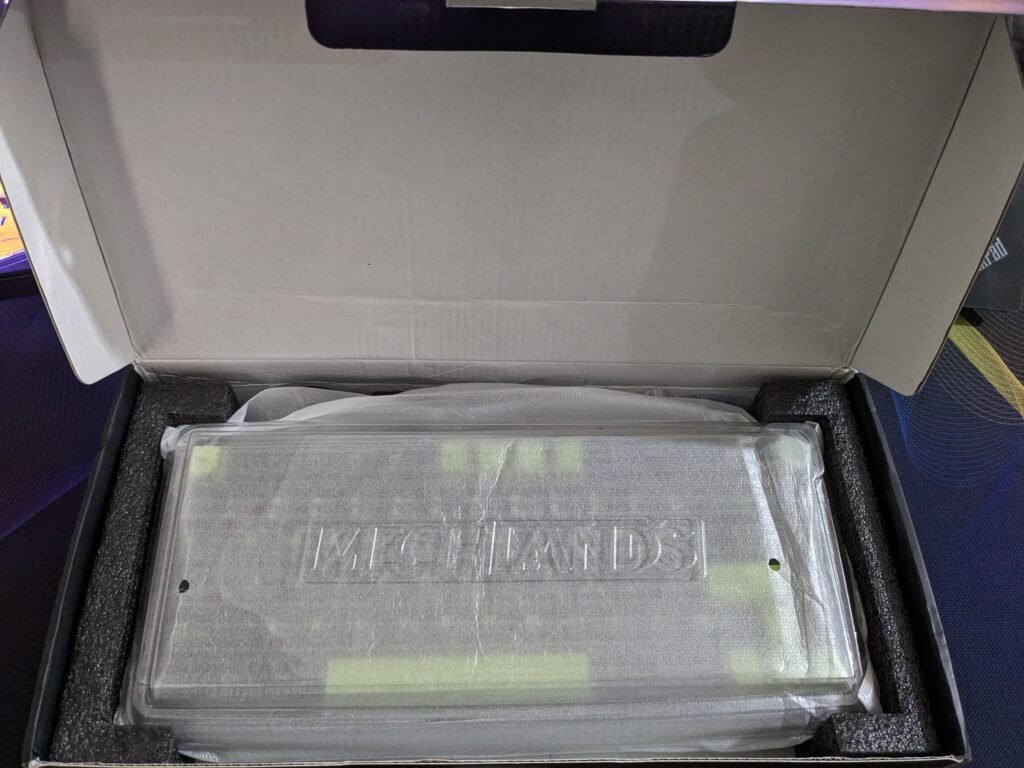
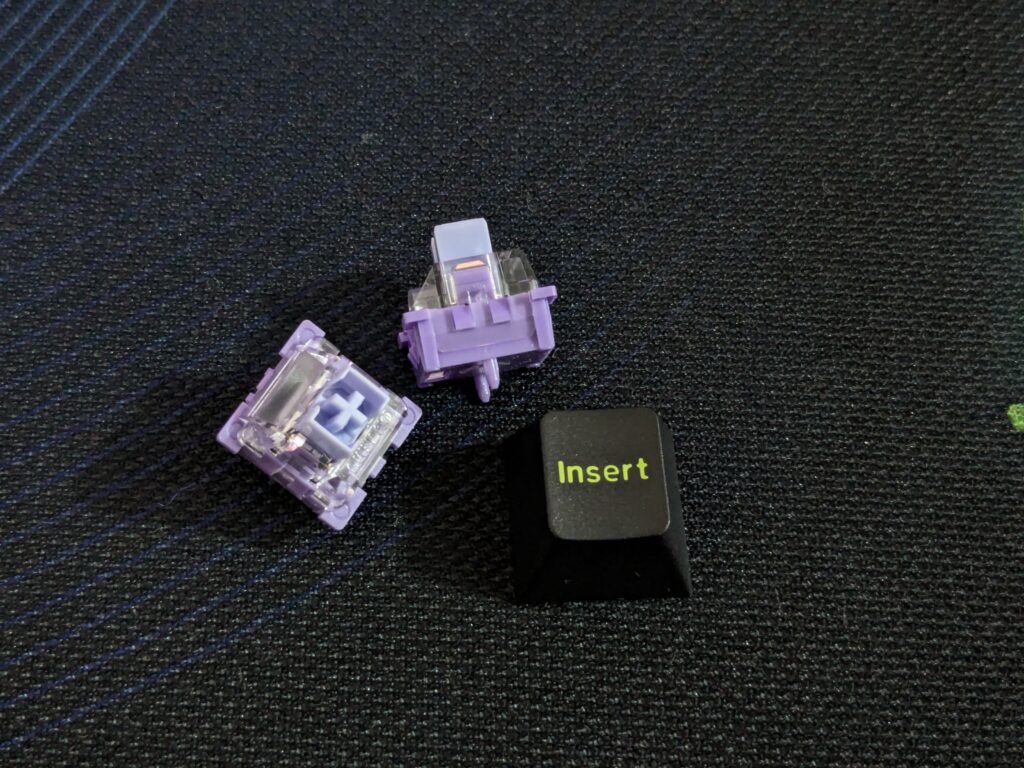
The box design is bold. It’s black with green and white graffiti-style art, and the keyboard sketch looks clean. Inside, the keyboard was wrapped in a soft sleeve with a dust cover. It came with a braided USB cable, keycap, and switch puller, two spare switches, and an extra INSERT keycap. For the price, the unboxing felt surprisingly premium.
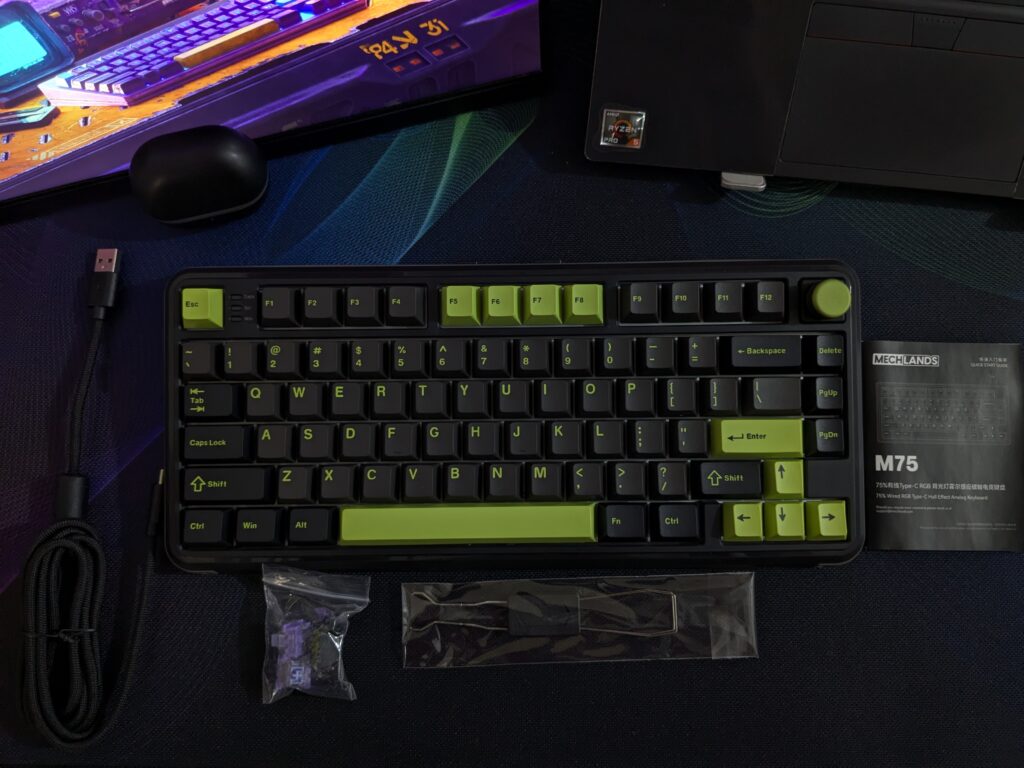
Design and build
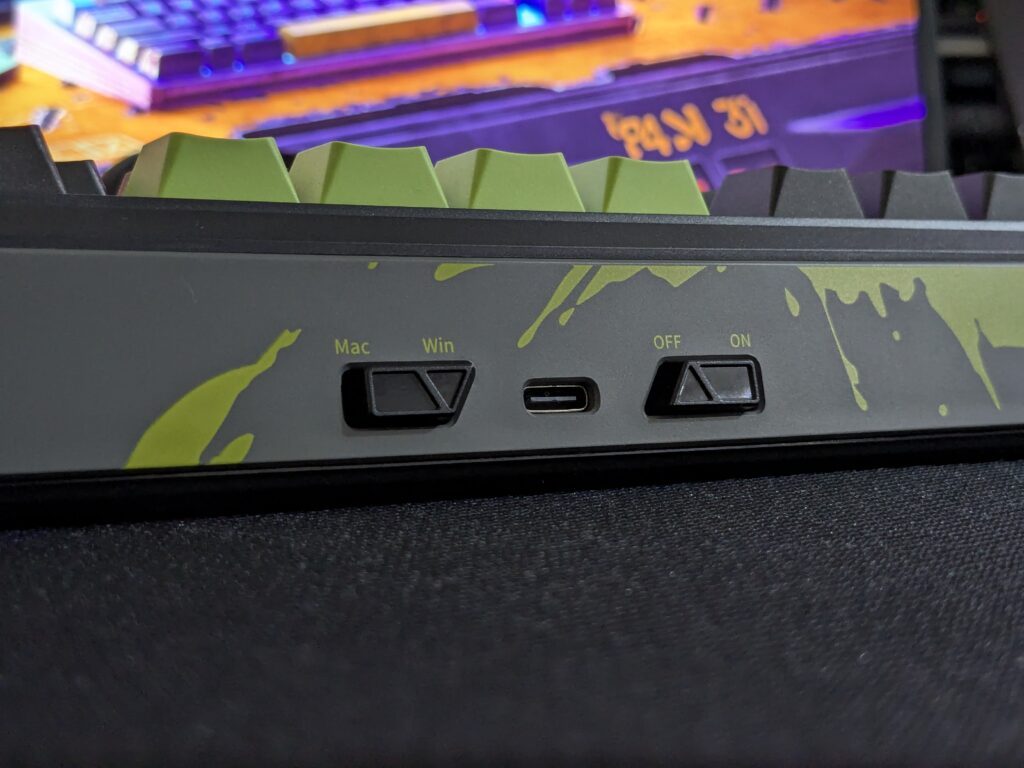
The MechLands M75 uses a 75% layout. It’s compact but keeps all the keys I need. The case is plastic, but it doesn’t feel cheap at all. It has a black base, a grey side strip, and green splash-style graphics. The back has a power switch, OS toggle, and USB-C port.
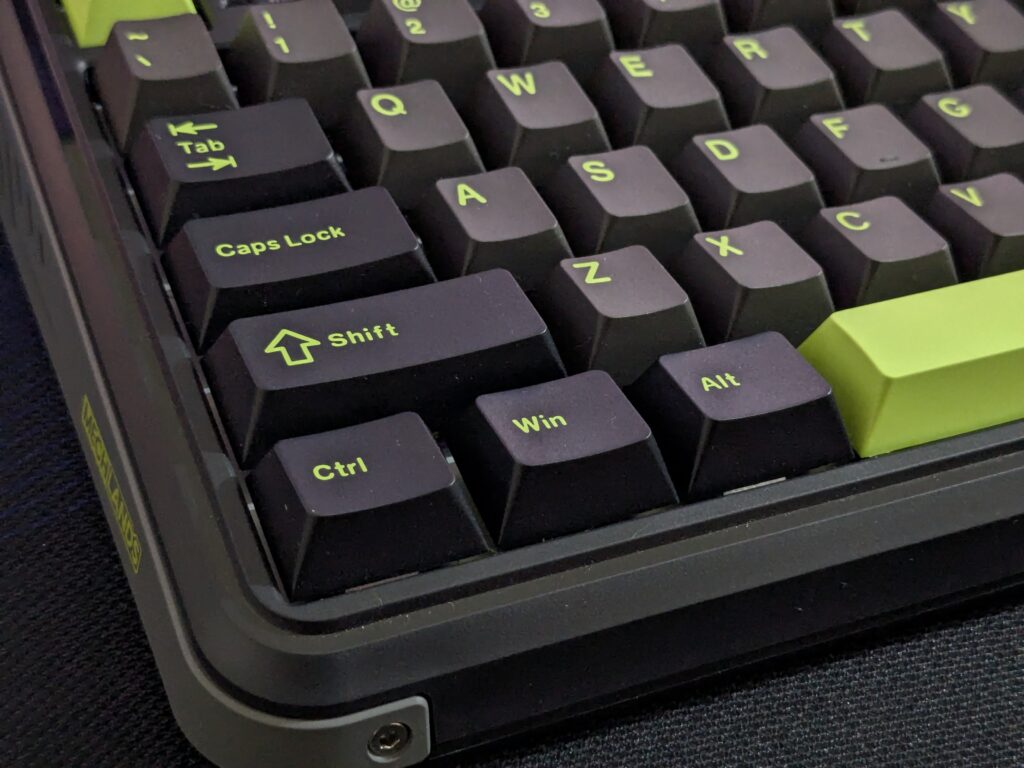

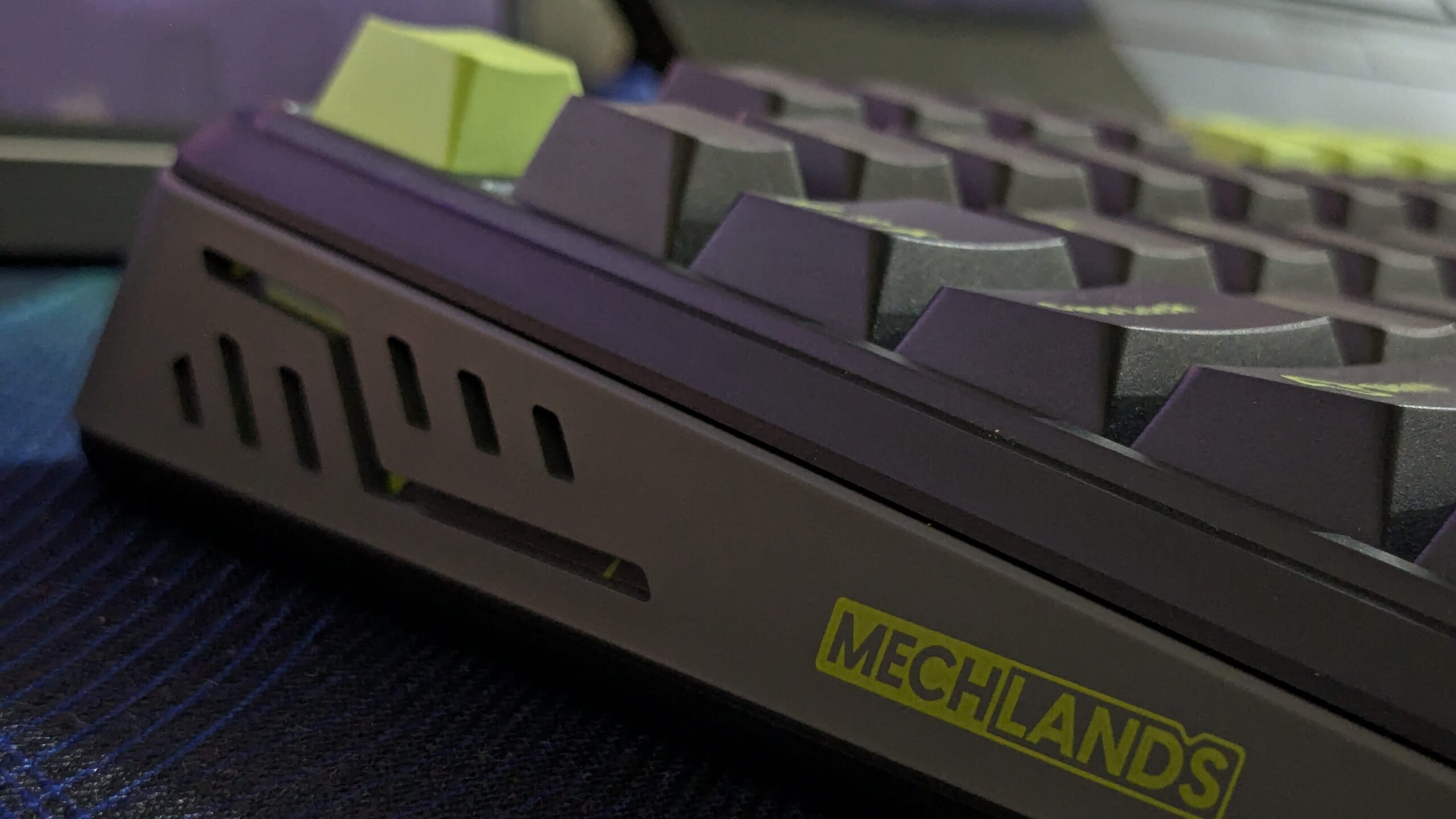
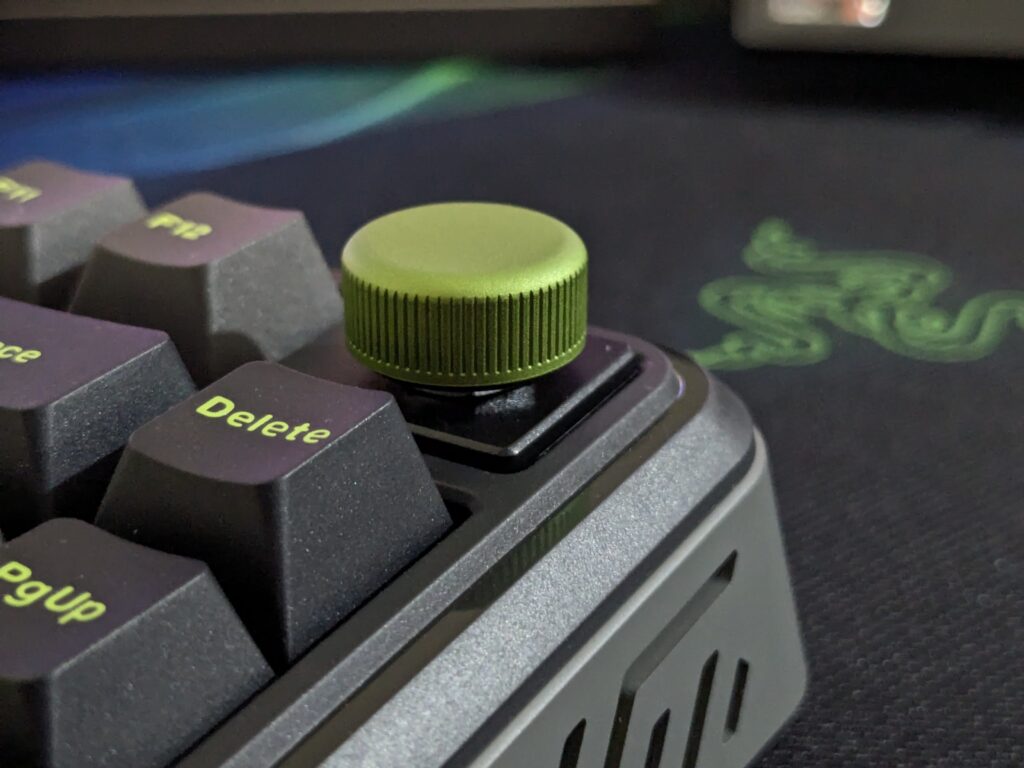
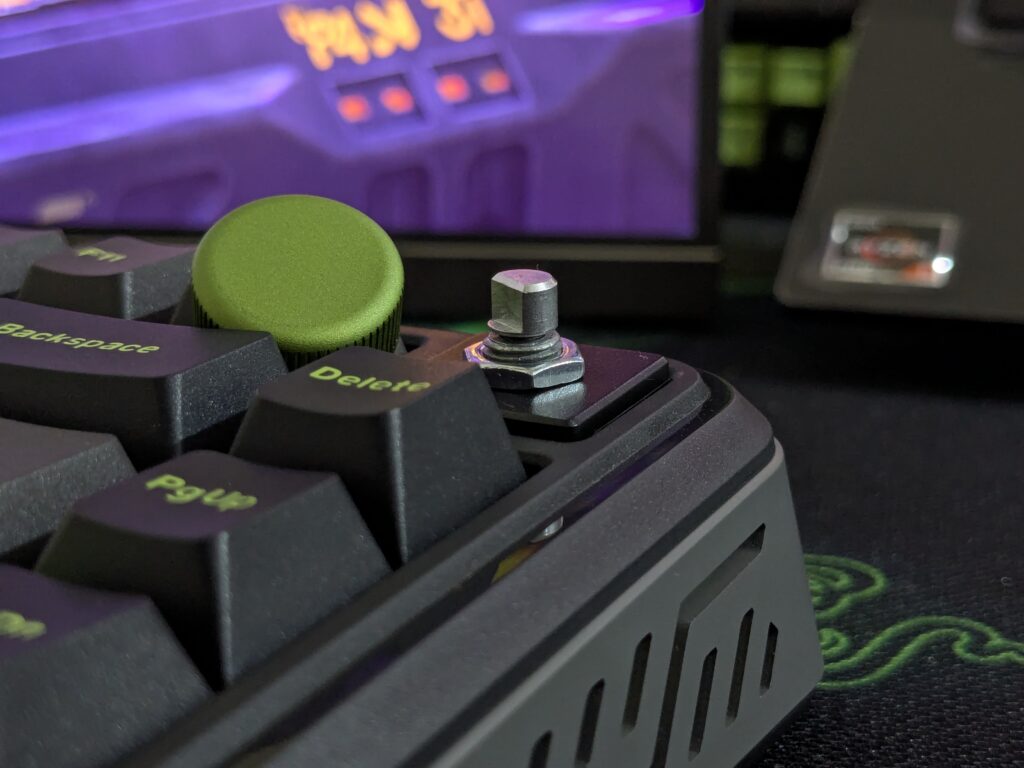
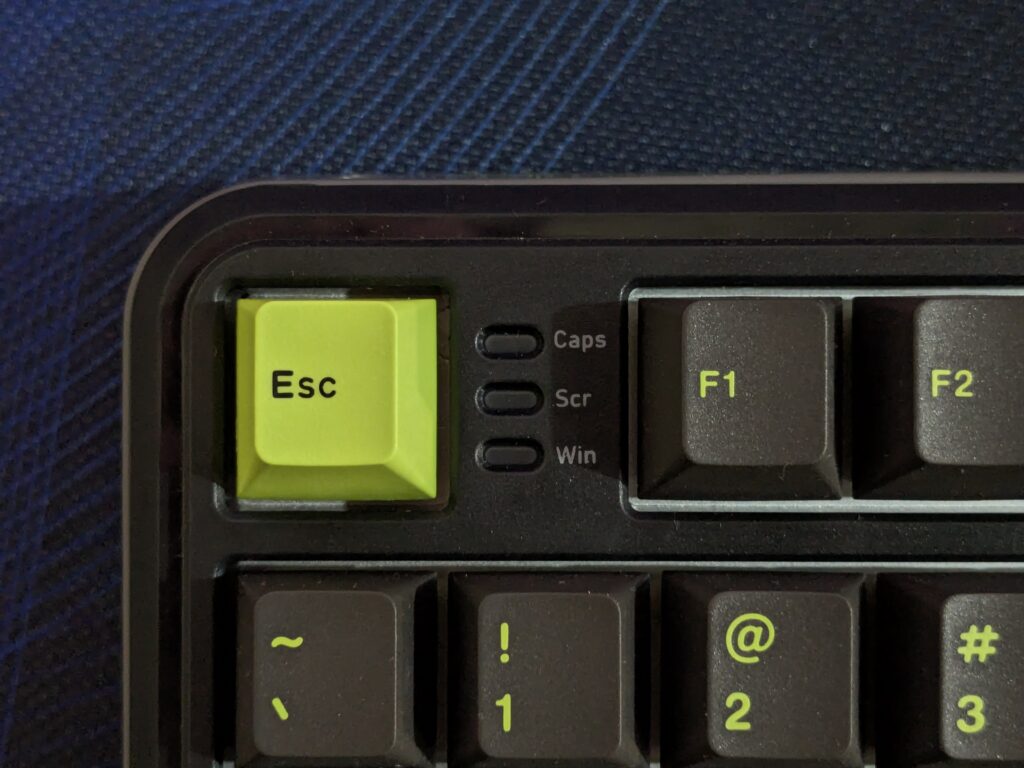
There’s a large metal knob in the top-right corner. It rotates smoothly and clicks with a nice feel. You can even swap it out with an extra (INSERT) keycap. Small details like LED indicators between Esc and F1 add to the finish.
Underneath, there are two-stage kickstands and rubber feet. It stays stable on the desk.
| Specification | Details |
|---|---|
| Model | MechLands M75 |
| Number of Keys | 80 keys |
| Keycaps Profile | Cherry Profile |
| Keycaps Technique | Double-Shot PBT |
| Hot-swappable | Yes |
| Polling Rate | 8000Hz |
| Latency | 0.128ms |
| Precision | 0.01mm |
| Scan Rate | 32K |
| Plate Material | Aluminum |
| Case Material | ABS Plastic |
| Compatibility | Windows / Mac OS |
| Lighting | South-Facing RGB Backlit |
| Advanced Features | DKS, MT, TGL, SOCD (Some FPS games may ban these) |
| Dimensions | 333.9mm x 149.5mm x 42mm |
| Weight | About 827g |
| Inside the Box | Keyboard, Manual, Keycap/Switch Puller, USB Cable |
Switches and typing feel
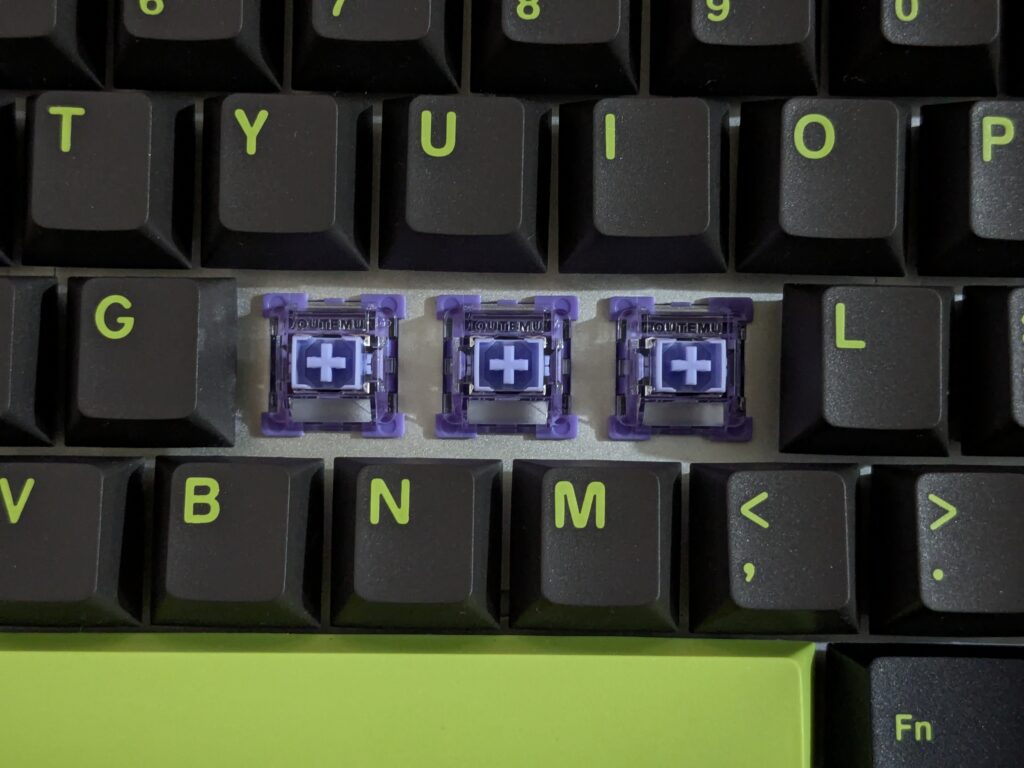
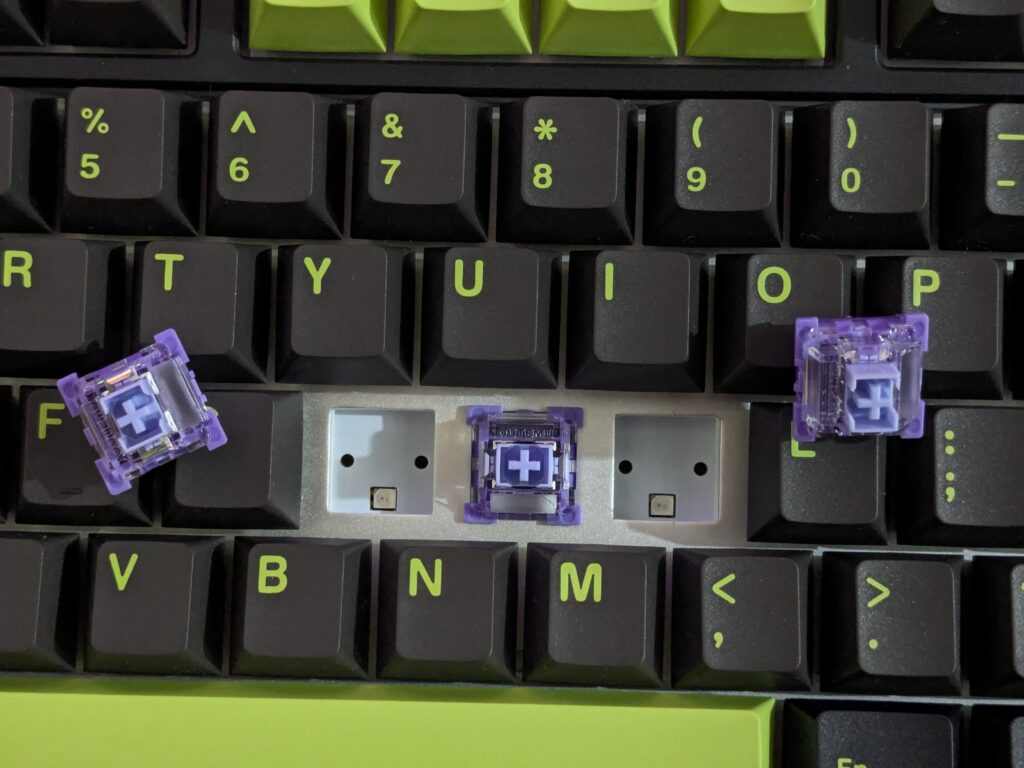
MechLands M75 board uses Outemu Magnetic Switches with Hall Effect tech. They’re linear and very smooth. The actuation point is 2.0mm, and the press is light, just 45g. The typing experience is fast and quiet.
The stabilisers are pre-lubed. The bigger keys like Space and Enter feel stable. No rattle, no wobble. They’ve done a good job here.
Keycaps and lighting
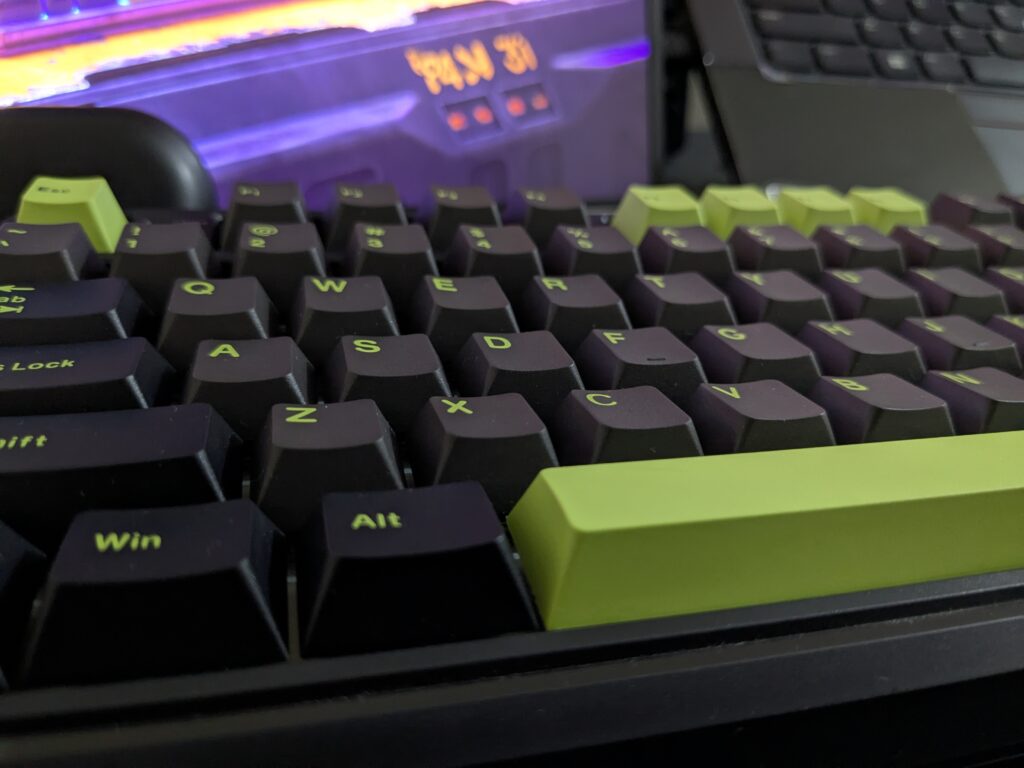
The keycaps follow a Cherry profile. Most are black with green legends, and some are green with black legends. The colour contrast works well. The caps feel smooth and comfortable.
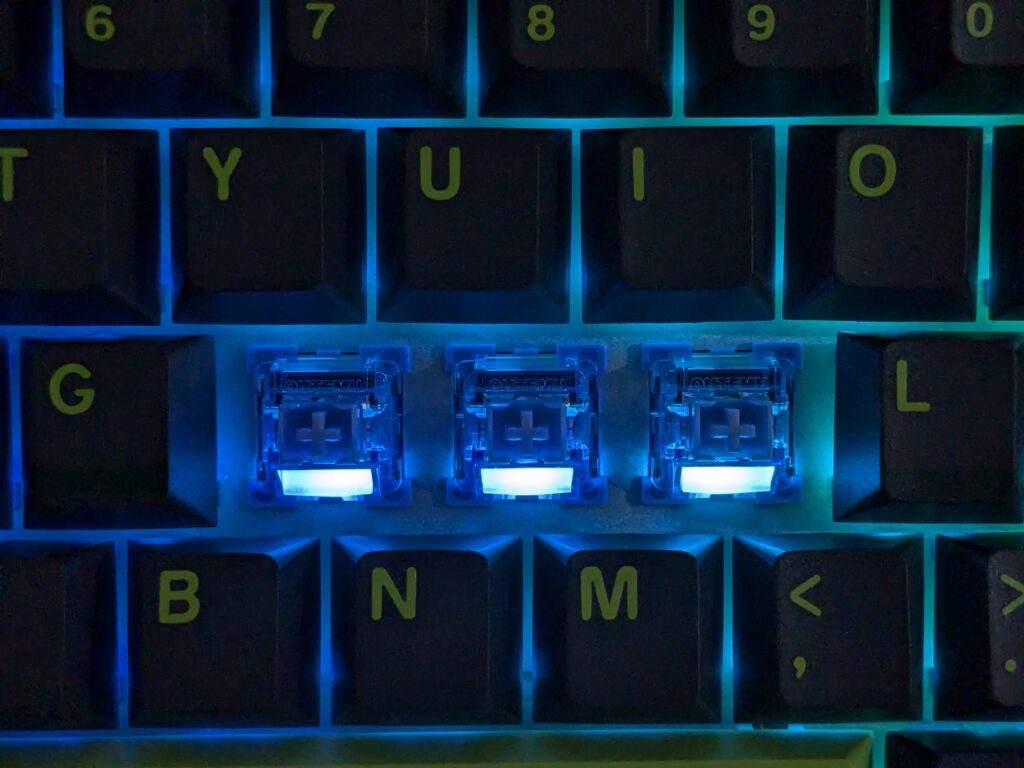
Under the caps, you get full RGB lighting. It looks great with the black and green theme. You can switch effects using shortcuts:
- Fn + Backspace: Change effect
- Fn + DEL: Change colour
- Fn + Arrows: Adjust brightness/speed
The lighting is bright and clean.
Wired only, and that’s fine
There’s no wireless here, just a wired connection. But that’s okay. The USB cable is strong, and the connection is stable. No lags, no drops, and no need to charge. It’s simple and reliable.
Software and customisation
The MechLands software gives full control. You can remap keys, set macros, and adjust lighting. The UI is simple and works well. You can also change the actuation point of each key; that’s a huge plus.
Advanced users will like features like:
- Dynamic Keystroke
- Mod Tap
- Toggle
- SOCD cleaning
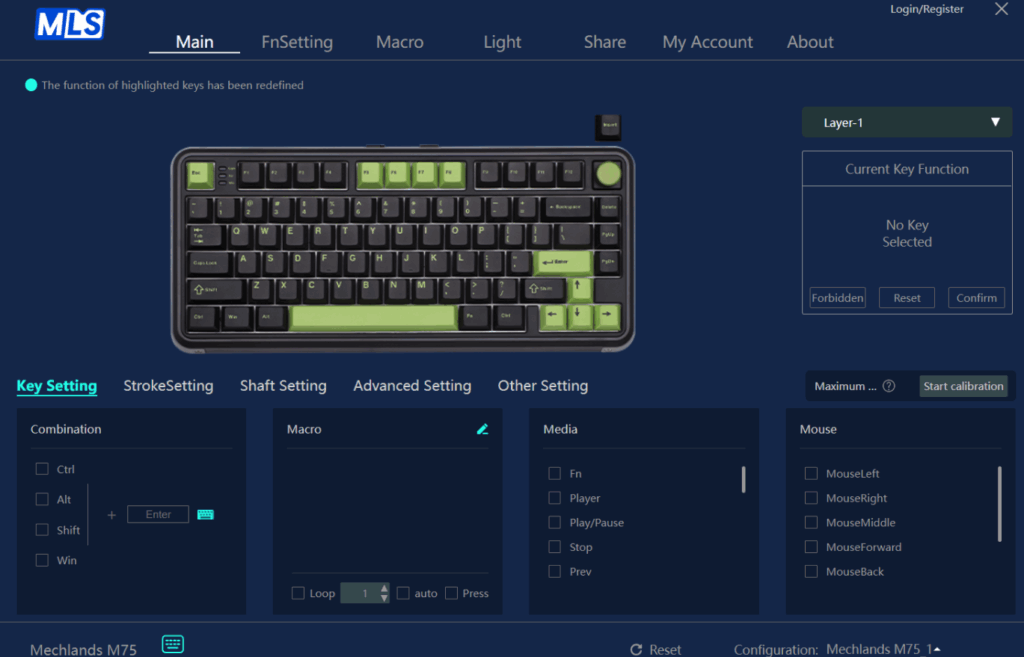
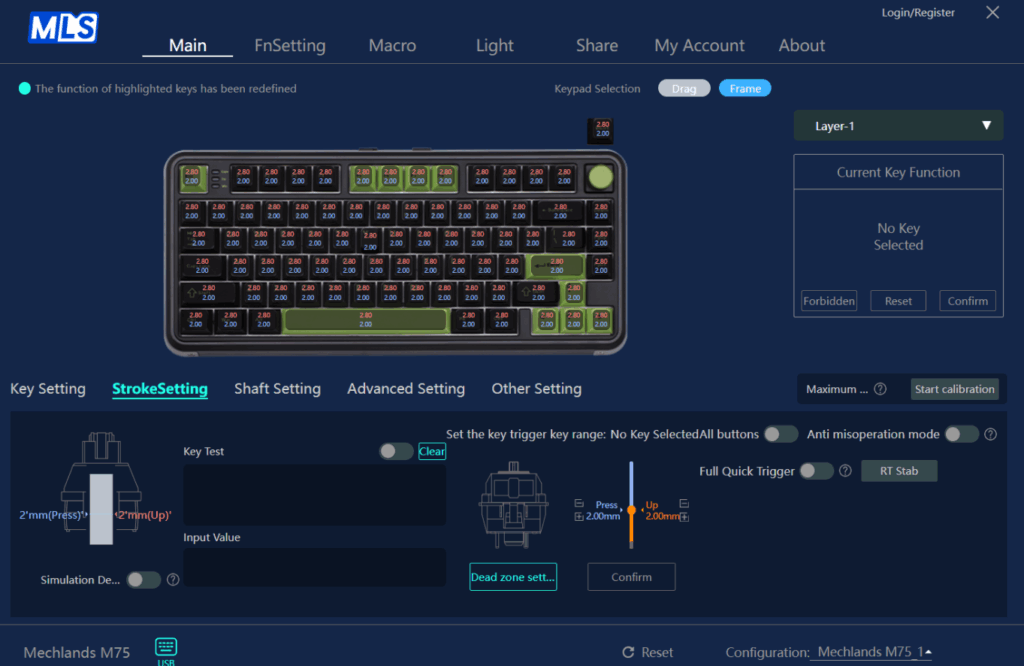
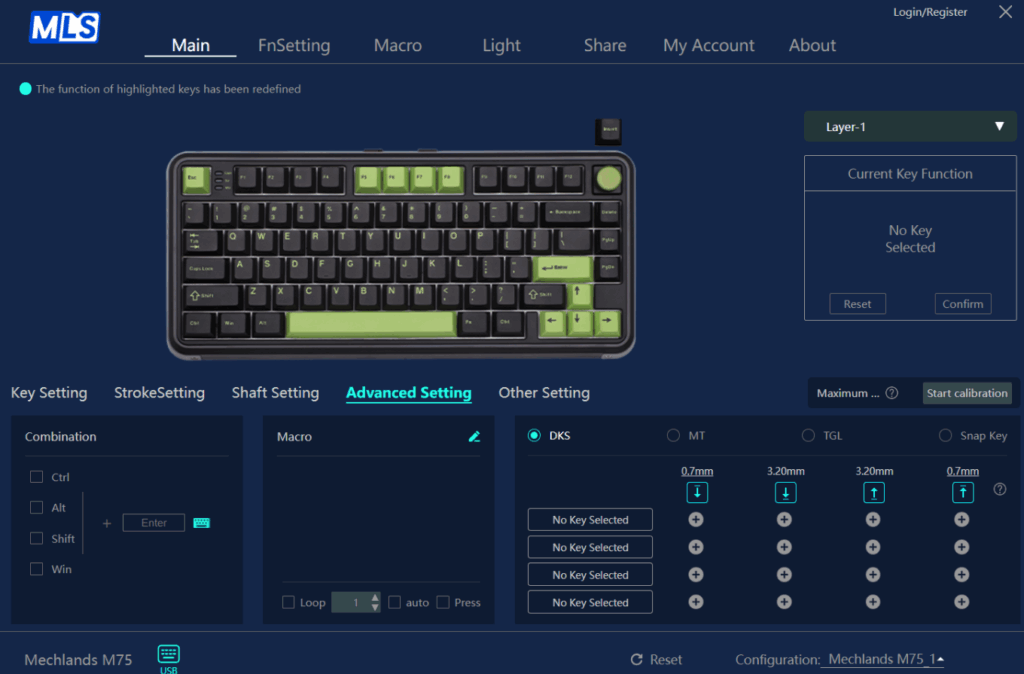
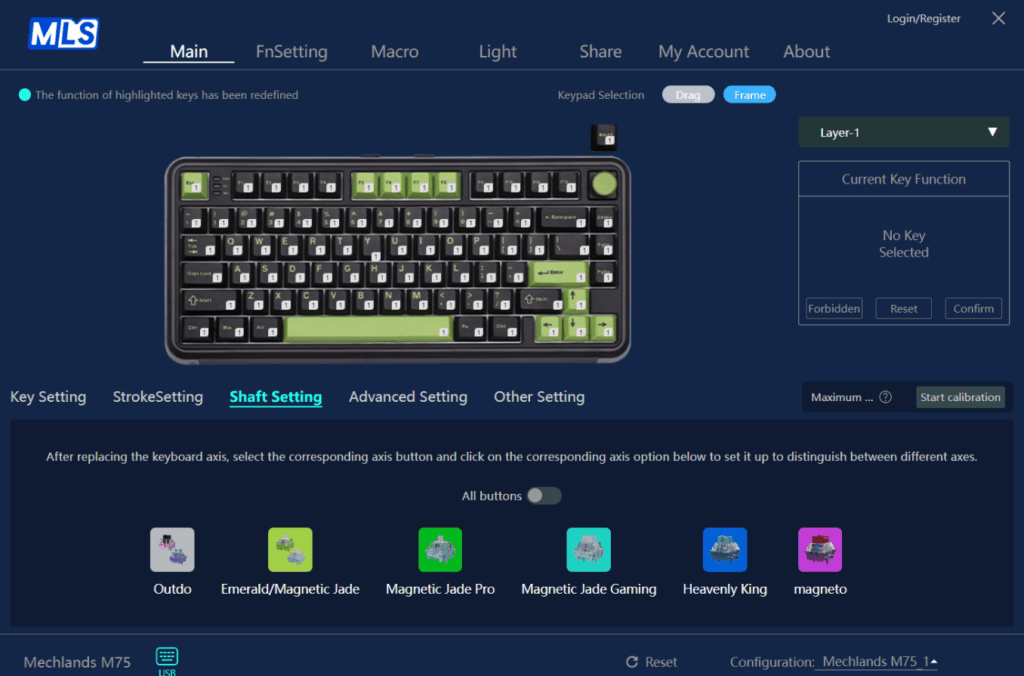
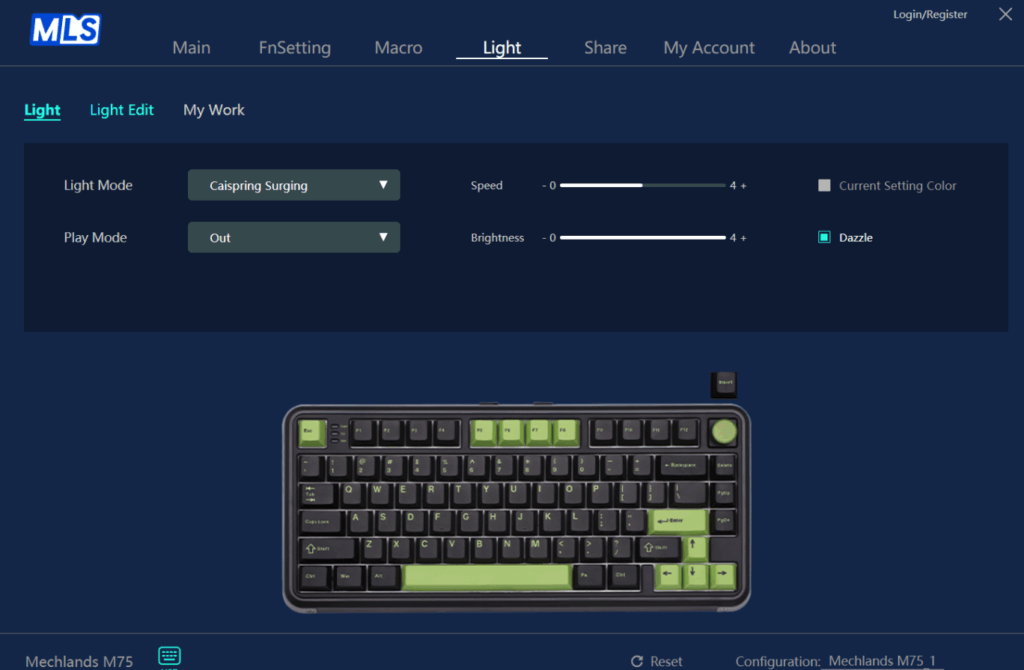
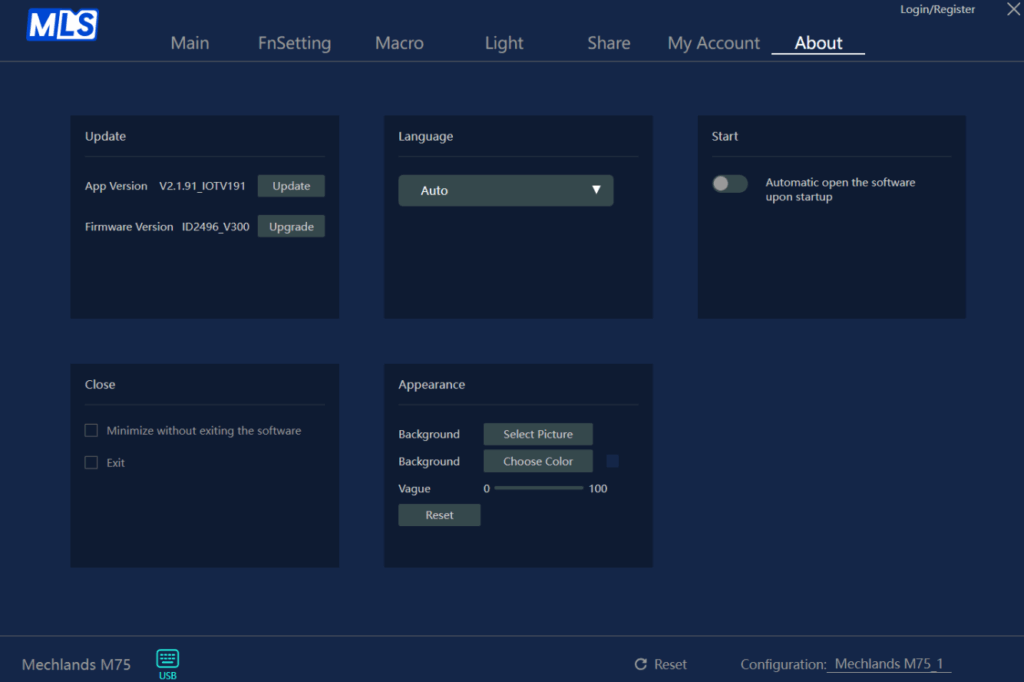
It’s a solid software setup overall.
Real-world use
Typing feels great, light, and fast. In games, the Mechlands M75 board performs even better. It has an 8000Hz polling rate and just 0.128ms latency, with a 32K scan rate. Every key press registers instantly. No input delay at all.
Final thoughts on the MechLands M75
The MechLands M75 surprised me. It looks good, feels premium, and types like a much more expensive board. The magnetic switches are smooth and responsive. The RGB is bright. The software works well. At this price, it’s one of the best value magnetic keyboards I’ve used.
If you want speed, customisation, and a unique look, without spending too much, the MechLands M75 is 100% worth it.
You can grab the M75 directly from Mechlands or check their Amazon or Aliexpress listings, depending on what’s convenient. For more hardware reviews like this, check out the hardware review section!